Configure the workspace before entering rates
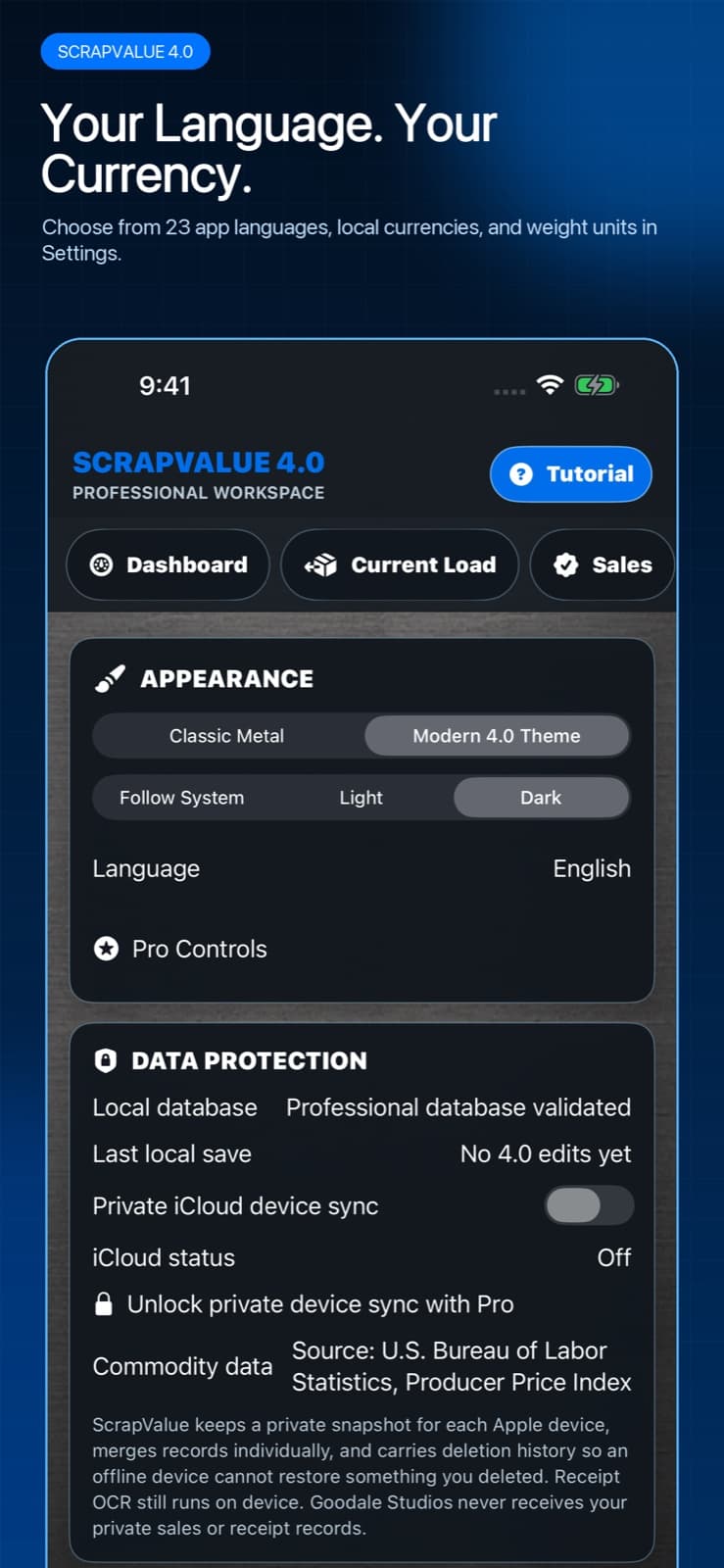
Open Settings and review the display choices before building a new load. This prevents a correct number from being attached to the wrong unit or currency label.
- Choose one of the supported in-app languages.
- Choose the currency used by the yard quotes you plan to enter.
- Choose pounds or kilograms so the weight and rate use the same unit system.
- Select Follow System, Light, or Dark appearance.
- Keep the default Professional Workspace theme or switch to Classic Metal.
- Return to Current Load and verify the unit and currency labels before adding material.
Language does not decide the money
A Spanish-speaking user may still work in U.S. dollars and pounds; an English-speaking user may use euros and kilograms. ScrapValue keeps language, currency, and units separate so the interface can match the person while the calculation matches the transaction.
Changing the display format does not turn one currency into another or create an exchange-rate quote. Enter a rate in the currency the yard actually quoted and keep older sale records tied to the currency in which they occurred.
Modern 4.0 and Classic Metal share the same data
Professional Workspace is the natural opening theme for version 4.0, with a clearer dashboard and denser work controls. Classic Metal remains available for users who prefer the original forged-metal personality. Switching appearance changes presentation, not the saved loads, receipts, yards, or entitlement attached to the app.
When your work crosses regions
If you change units or currency for a new region, create the next estimate with the new labels and verify every quote. Do not assume the app converted an old yard rate unless a feature explicitly says it performed a conversion. For audit-quality records, preserve the original transaction currency and unit in the completed sale notes or export.