
Evellure
Where artistry meets ambition.
- Client profiles and formula history
- Appointment calendar and local reminders
- Service menu and inventory tracking
- Business insights and rebooking opportunities
The modern business app for beauty professionals
Evellure gives independent beauty professionals a calm, luxurious place to manage the work behind every exceptional client experience.

Check the official store listing for current download and in-app purchase terms. Availability can vary by device and region.
From the first consultation to the next rebooking opportunity, your schedule, client memory, formulas, services, inventory, and business signals stay connected.
Need help? Visit supportKeep contact details, preferences, hair and beauty records, formula notes, service history, and rebooking context together.
Book services quickly, spot schedule conflicts, rebook future visits, schedule local reminders, and sync to a dedicated Evellure Apple Calendar.
Preserve color formulas, product notes, processing details, results, and visit summaries so great work is easier to repeat.
Track color, backbar, retail, barber, nail, and tool essentials with low-stock visibility and practical reorder details.
Understand booked service value, client retention, popular services, deposit coverage, and clients ready for thoughtful follow-up.
Core business records stay on the device, with Apple Calendar, notifications, and App Store purchases used only when you choose them.
App Screenshots
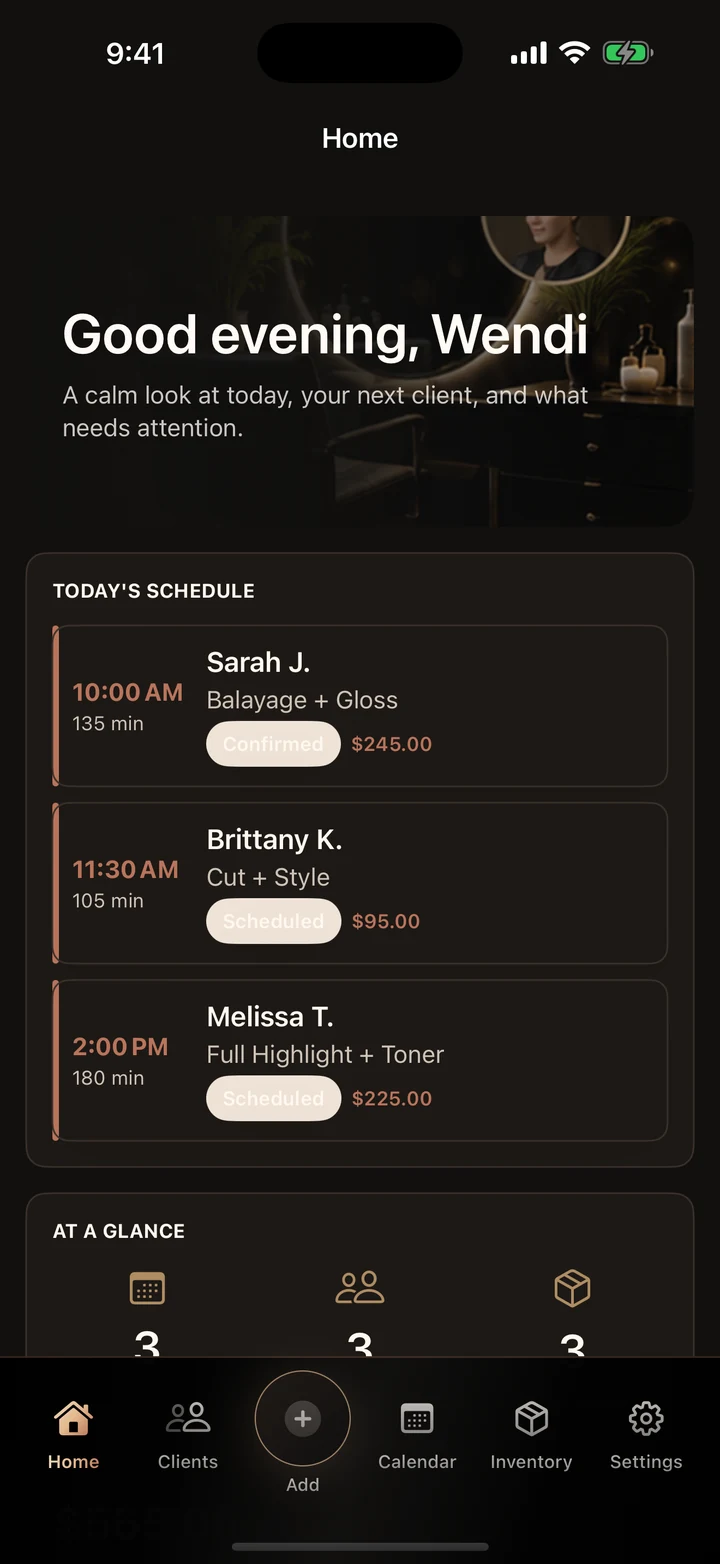
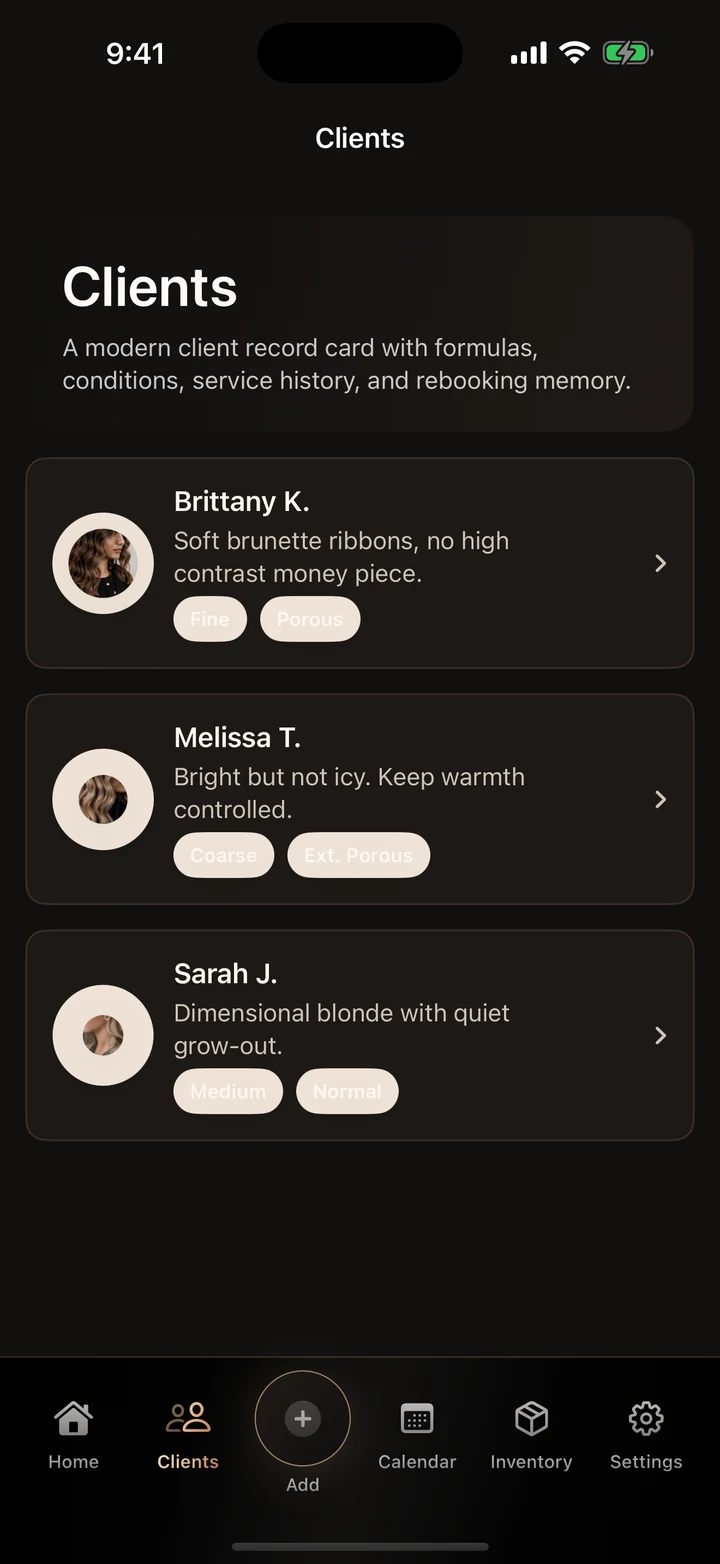
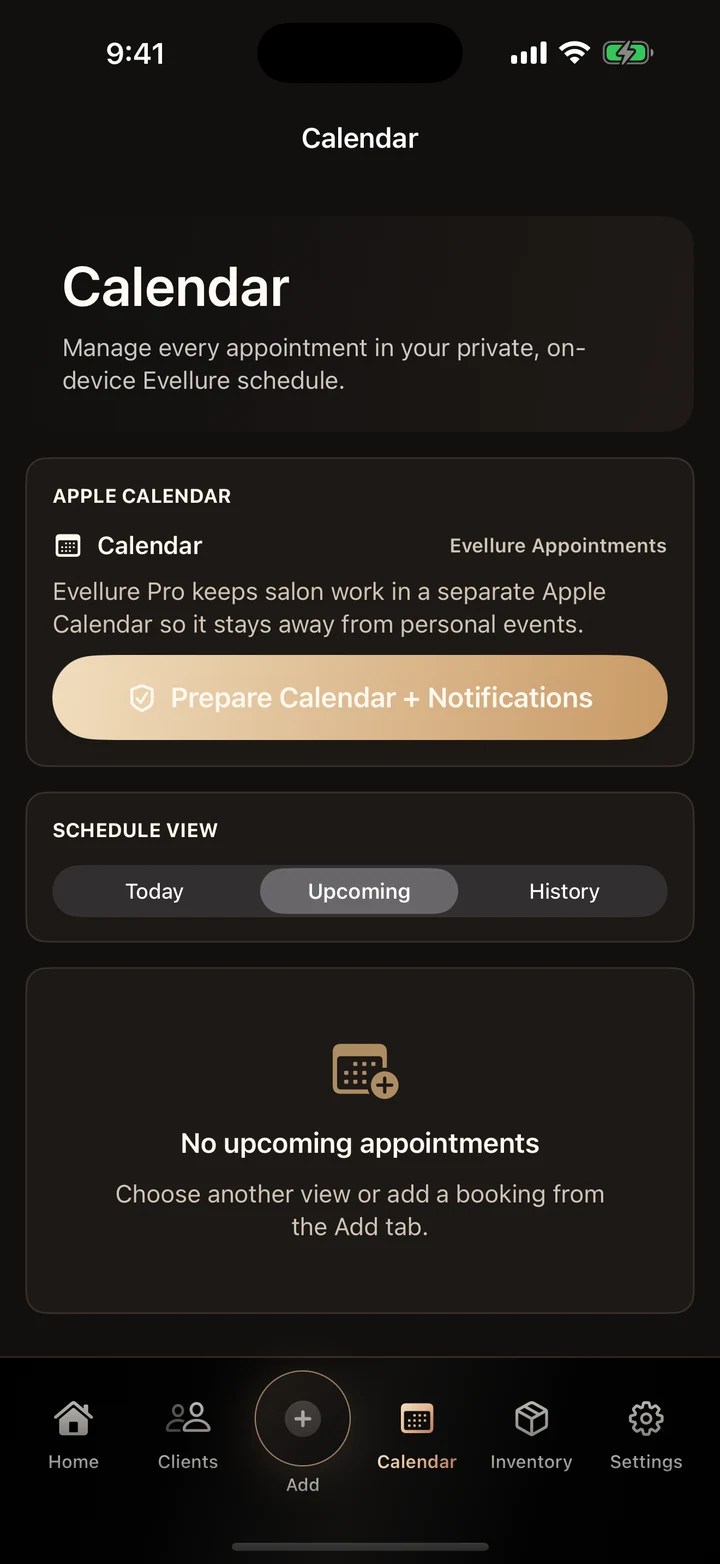
Where artistry meets ambition.
A polished daily rhythm
The Evellure standard
A deep oxblood and champagne-gold identity gives Evellure the confidence of a luxury beauty house, while the interface stays warm, readable, and fast enough for a working professional.
Built For
Independent beauty professionals
Core Experience
Clients, bookings, formulas + insights
Platforms
iPhone and iPad
Download Evellure and explore everything Goodale Studios builds.
Guides & tutorials
Explore the complete product tour, a guided first journey, practical advice, and the story behind why this app was built.
Official Product Facts
A refined business command center for independent stylists, cosmetologists, barbers, nail professionals, and growing salons. It is available now through Apple App Store.
How It Works
Begin the day with a focused view of appointments, booked value, and client needs.
Open a client profile and immediately recall preferences, formulas, and recent services.
Close the loop with calendar sync, reminders, inventory awareness, and rebooking opportunities.
Frequently Asked Questions
Evellure is available now on the App Store for iPhone and iPad. Use the Download on the App Store button on the Evellure page to open the official listing.
Core client, appointment, formula, inventory, and business records are stored locally on your device. Optional Apple Calendar events use the calendar account configured on your device.
Open Evellure, go to Settings, choose Plans & Subscription, and tap Restore Purchases while signed in with the Apple Account used for the original purchase.
Manage or cancel subscriptions in iOS Settings under your Apple Account, or use the Open Subscription Management link inside Evellure.
Need something else? Visit Evellure Support.
Related Knowledge