
Errand Arc
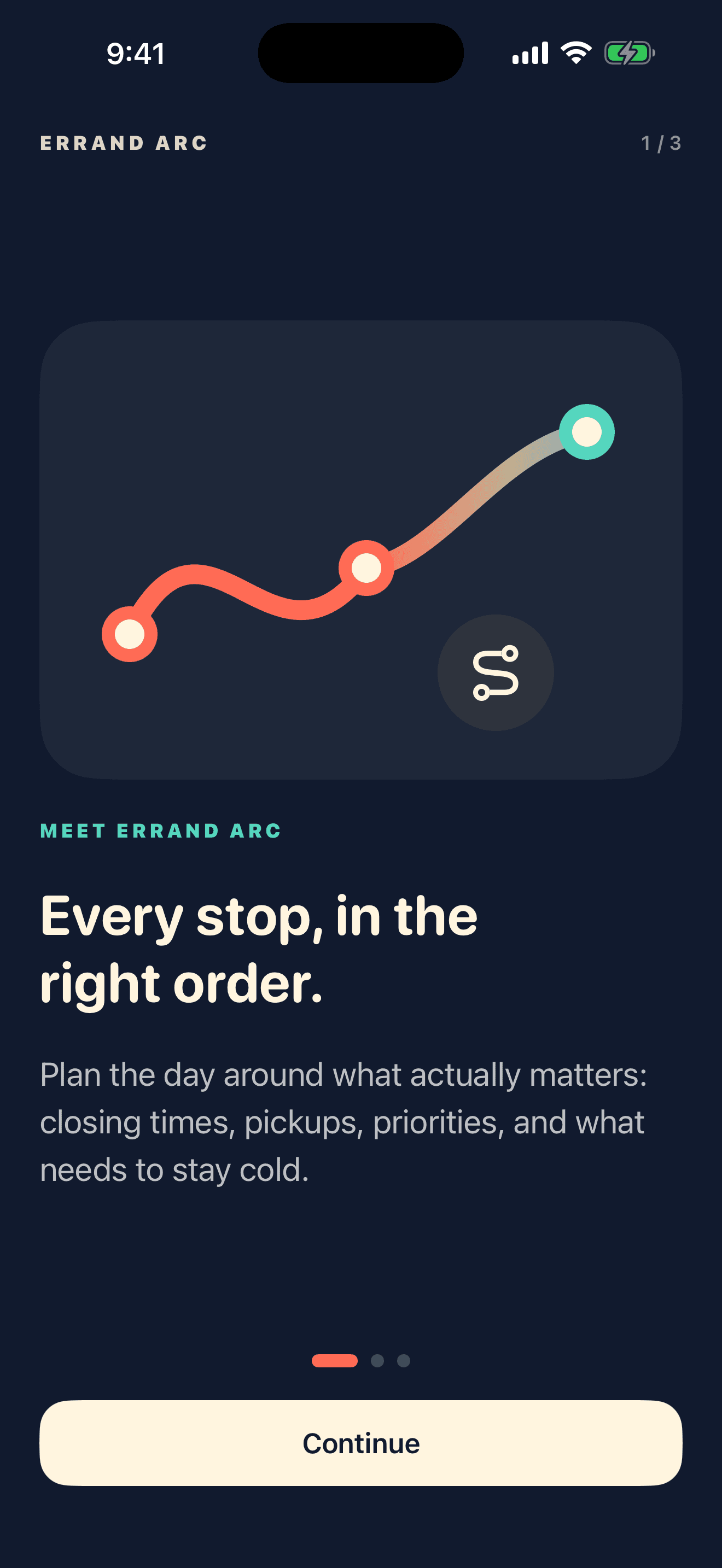
Every stop, in the right order.
- Apple Maps business and address search
- Arrival windows, closing deadlines, and stop durations
- Must-do, important, and flexible priorities
- Chilled, frozen, fragile, and ordinary pickup handling
A Route Planner for Real Errand Days
Coming Soon
Errand Arc balances the practical constraints that make a day work: when a pharmacy closes, when an appointment begins, how long a return may take, which stop cannot wait, and whether frozen groceries should come home last.
Core smart planning stays useful for free. No Goodale Studios account, advertising, or third-party tracking SDK is required.
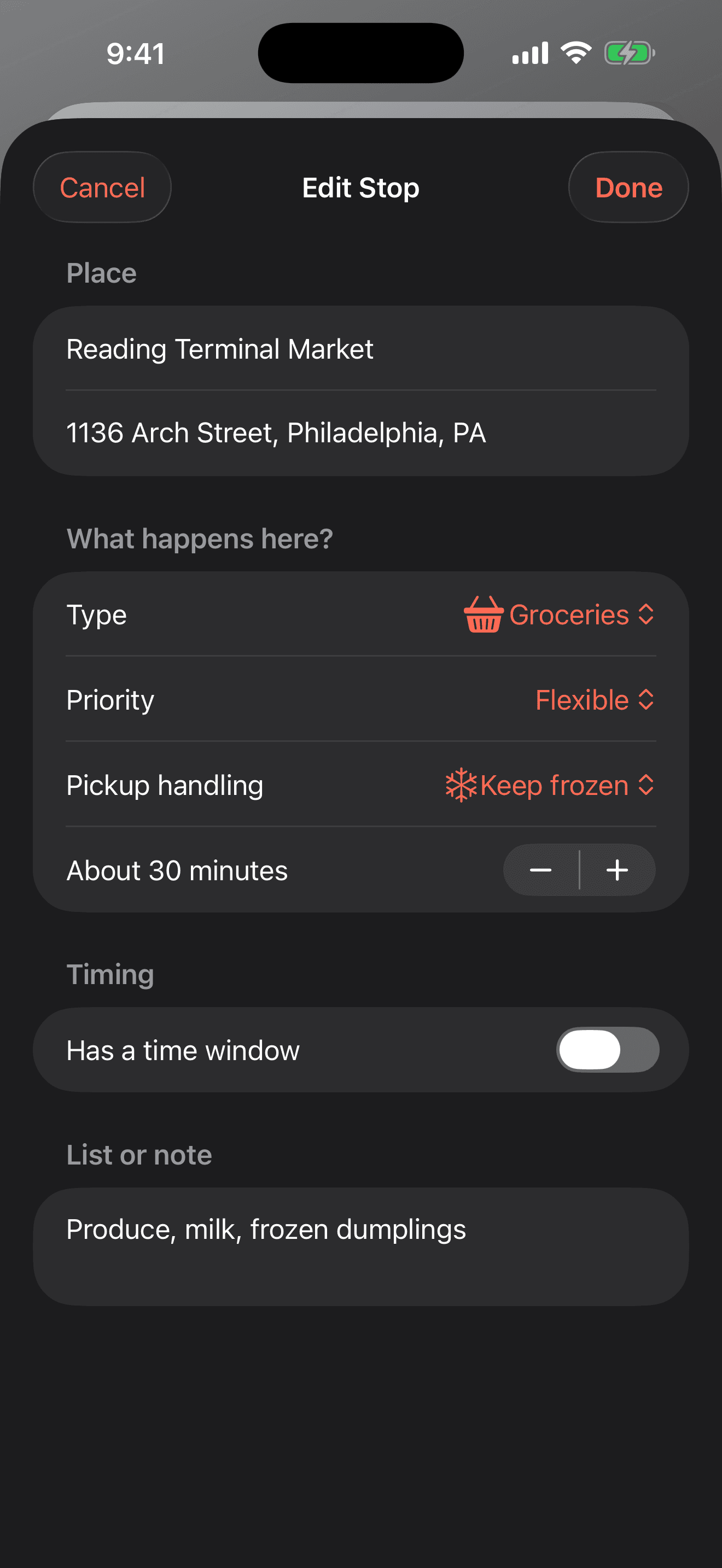
Search Apple Maps for businesses and addresses, then keep the task, category, expected duration, priority, and handling need with each stop.
Add an opening time, appointment window, or closing deadline. Errand Arc weighs it against travel and the work expected at every earlier stop.
Mark chilled, frozen, or fragile items so the planner can keep them later in the run when stronger deadlines do not require a different choice.
Separate must-do errands from important and flexible stops. A necessary pharmacy pickup should not be treated like an optional browse.
Smart Order updates the stop sequence, distance estimate, time estimate, and warnings without pretending the result is a traffic prediction or guarantee.
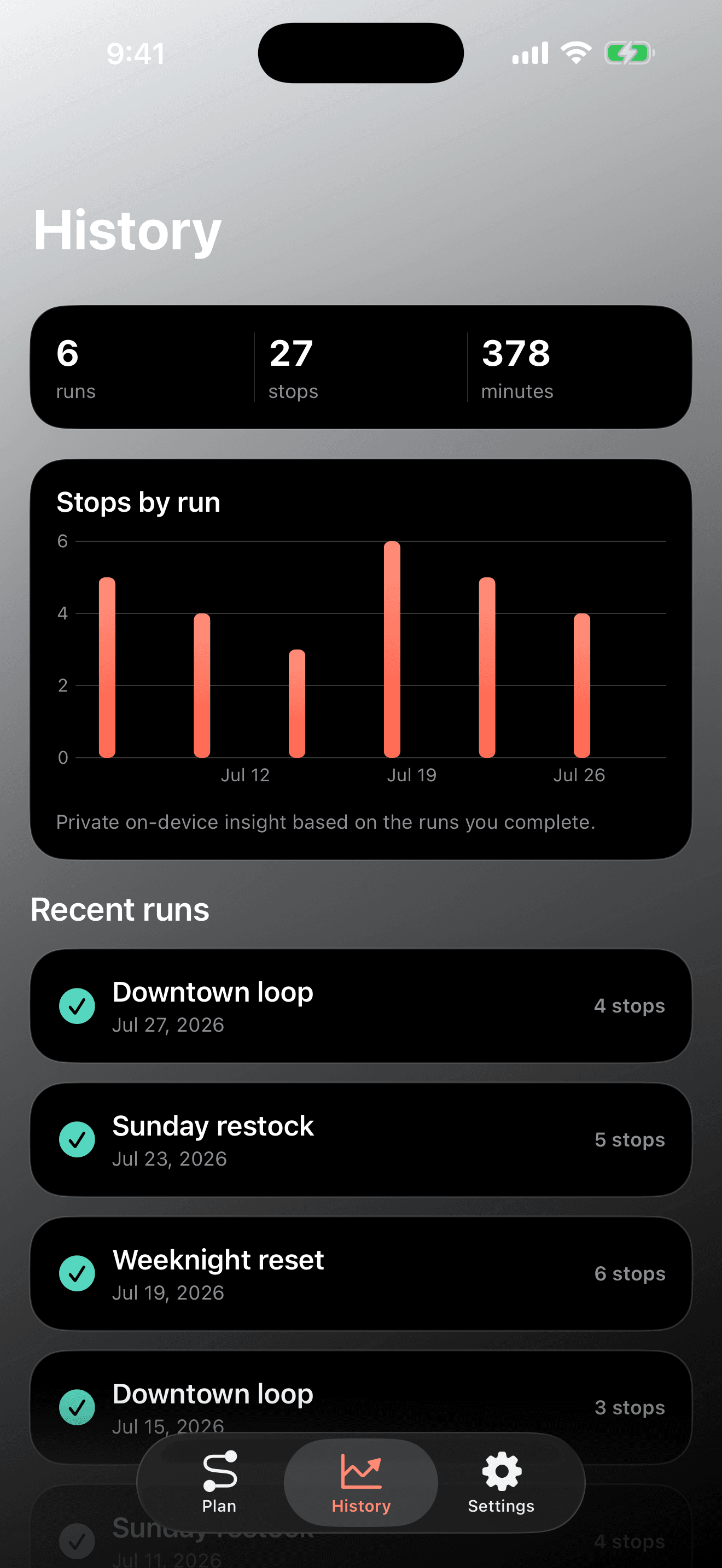
Open the next stop in Apple Maps, check off progress, receive an optional departure reminder, and preserve a useful record after the run is complete.
App Screenshots
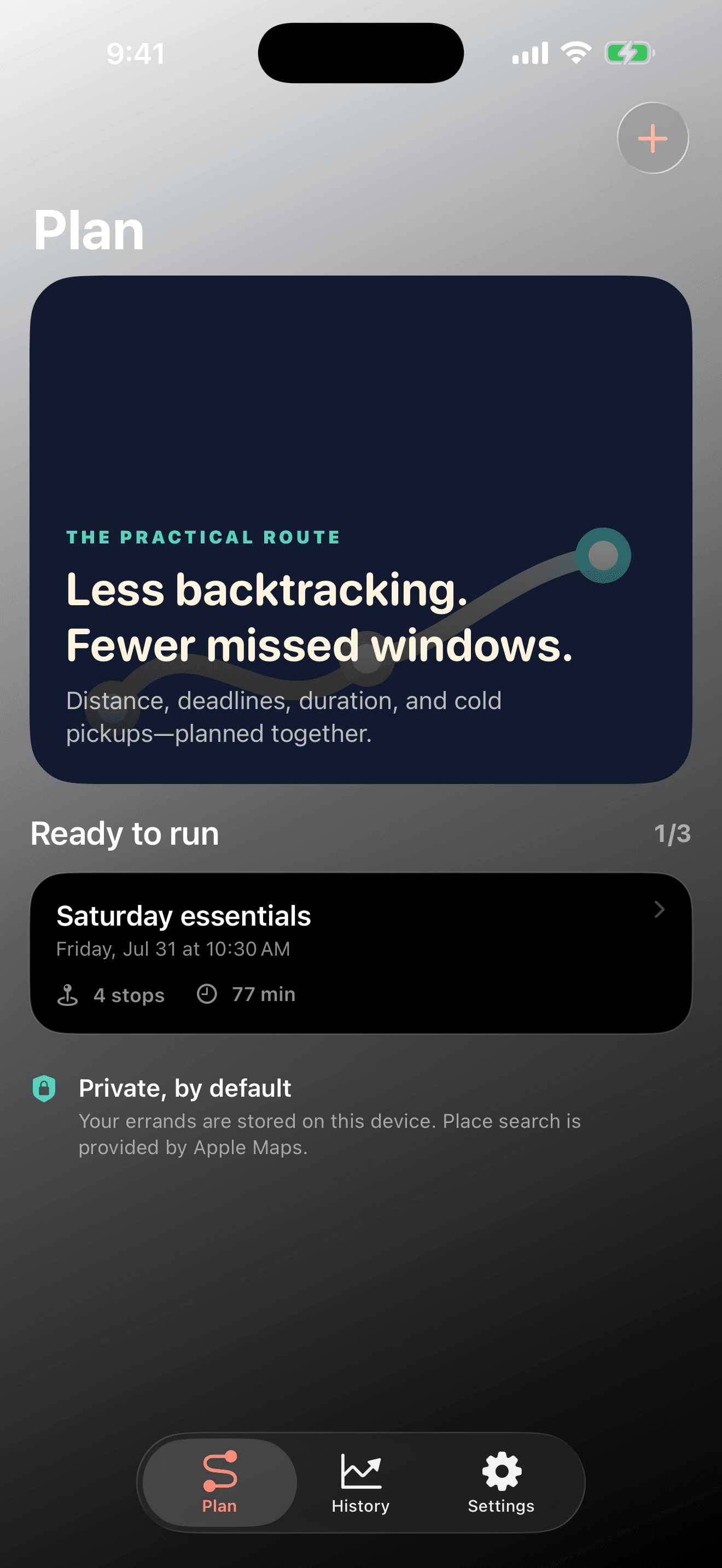
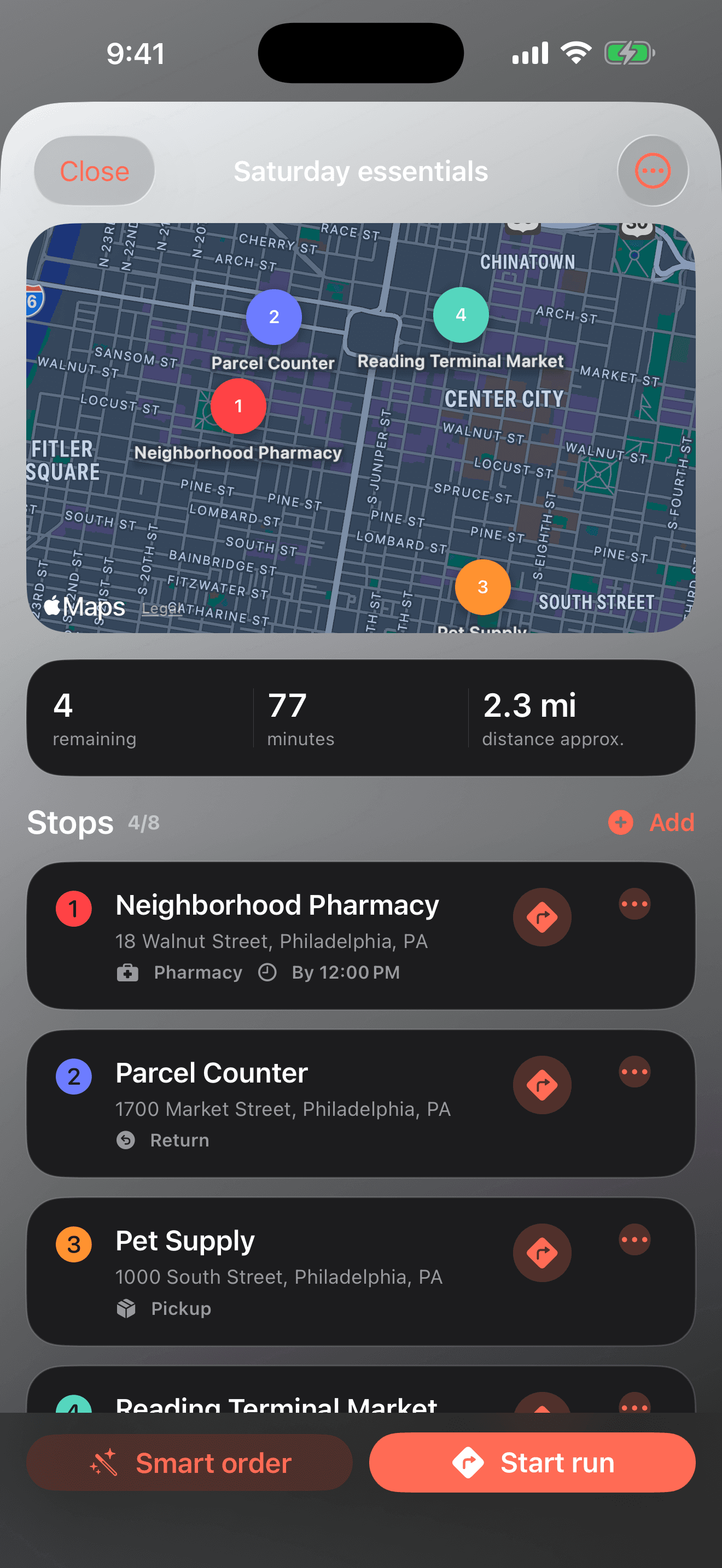
Every stop, in the right order.
Useful before you ever pay
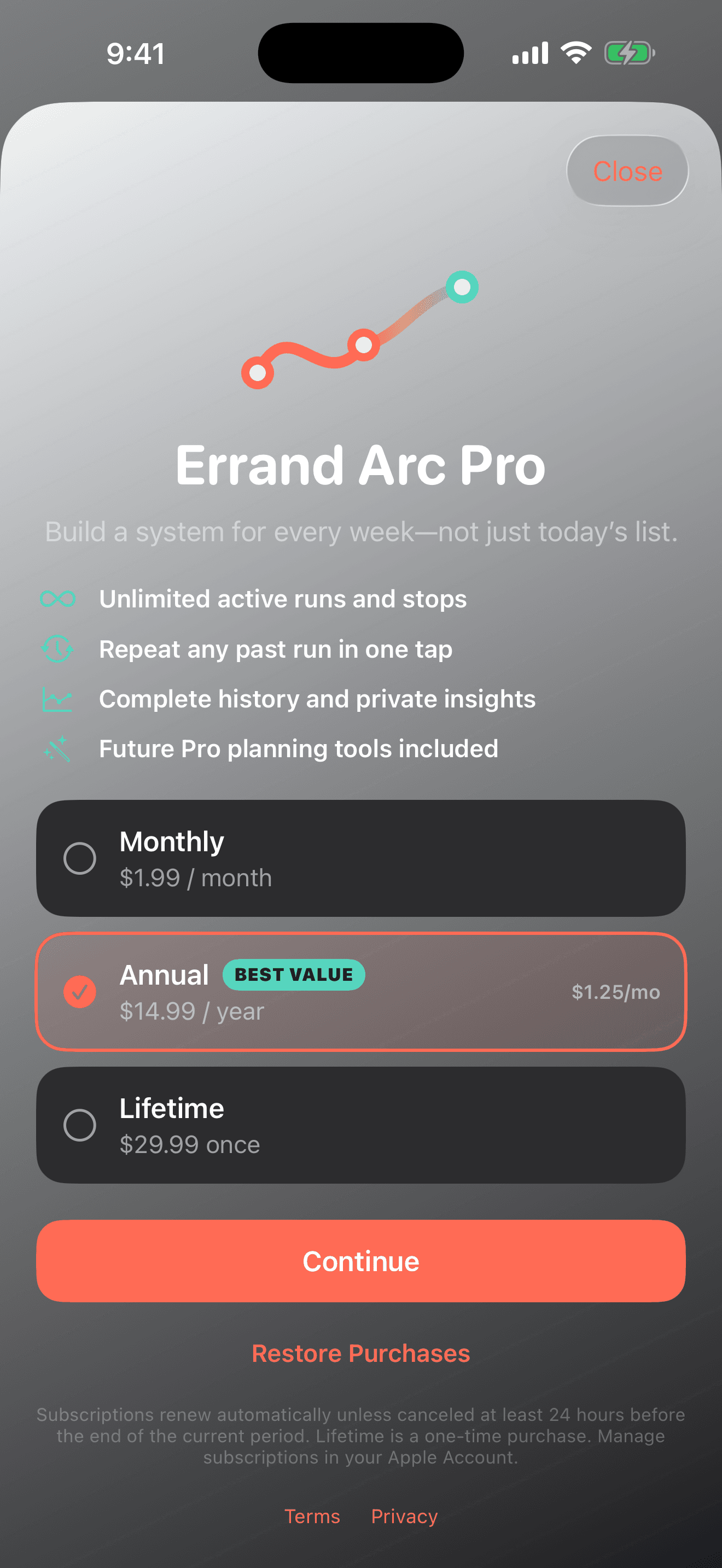
Errand Arc Pro
Pro removes the active-run and stop limits, keeps complete history and private insights, and enables one-tap repeat runs. Planned U.S. launch choices are $1.99 monthly, $14.99 annually, or $29.99 once for lifetime access. Apple shows the final localized price and purchase terms before payment.
Free planning
3 runs · 8 stops each
Smart Order
Included free
Account required
No
Errand Arc is preparing for release. Official download links will appear here as soon as each store listing becomes available.
Guides & tutorials
Explore the complete product tour, a guided first journey, practical advice, and the story behind why this app was built.
Official Product Facts
Plan an errand run around closing times, appointment windows, stop duration, priorities, and cold or fragile pickups—not distance alone. It is currently in development, so features, compatibility, and release timing may change before publication.
How It Works
Keep up to three active runs with as many as eight stops in each run.
Use the complete Smart Order flow, Apple Maps search, timing fields, handling needs, reminders, and next-stop directions for free.
Review five completed runs before deciding whether unlimited history and insights are worth upgrading for.
Your errand records stay in the app's private on-device storage unless you deliberately open a destination in Apple Maps.
Route order and time estimates remain planning aids; always confirm current hours, road conditions, appointment rules, and safe food handling.
Frequently Asked Questions
Include your iPhone or iPad model, iOS or iPadOS version, Errand Arc version and build, the screen you were using, the steps immediately before the problem, and the exact message shown. Redact home addresses, medical details, and private notes whenever possible.
Smart Order weighs straight-line distance, the planned departure, expected time at each stop, opening or closing windows, must-do or flexible priority, and chilled, frozen, or fragile handling. It uses an explainable planning estimate—not live traffic or a guarantee—so review the result before leaving.
Yes. Current location is optional. Search for a starting place manually, or plan without a start when appropriate. Place search and directions still rely on Apple Maps services.
Free users can keep up to three active runs, add up to eight stops to each run, use Smart Order, search Apple Maps, add time windows and handling needs, open directions, schedule reminders, and review five completed runs.
Pro unlocks unlimited active runs and stops, complete run history, private on-device insights, and one-tap repeat runs. Monthly, annual, and lifetime choices use the localized prices Apple shows in the app.
Install Errand Arc with the same Apple Account, open Settings, choose Upgrade to Pro, and tap Restore Purchases. The app also refreshes verified entitlements on launch. Local run data does not automatically sync between devices in the current release.
Need something else? Visit Errand Arc Support.
More From Goodale Studios