The highest copper price can still be the lower offer
Imagine a load with copper, aluminum, and prepared steel. Yard A advertises the best copper rate but will not quote the aluminum grade by phone. Yard B is slightly lower on copper but clearly quotes every line. The only fair comparison is the estimated total for the exact same inventory.
Coverage matters. A comparison should flag a yard that is missing a material price instead of quietly assuming zero or borrowing a rate from another buyer. Unknown is not the same as free.
Collect comparable quotes
Call each yard close enough in time that market movement does not distort the comparison. Use the grade names each buyer understands and ask the same questions in the same order.
- List every material and approximate weight in the current load.
- Ask whether the yard accepts each grade and how it defines that grade.
- Record the quoted rate, unit, time, contact, minimum quantity, preparation rule, and quote expiration.
- Ask about known fees, deductions, payment delays, identification requirements, and unloading rules.
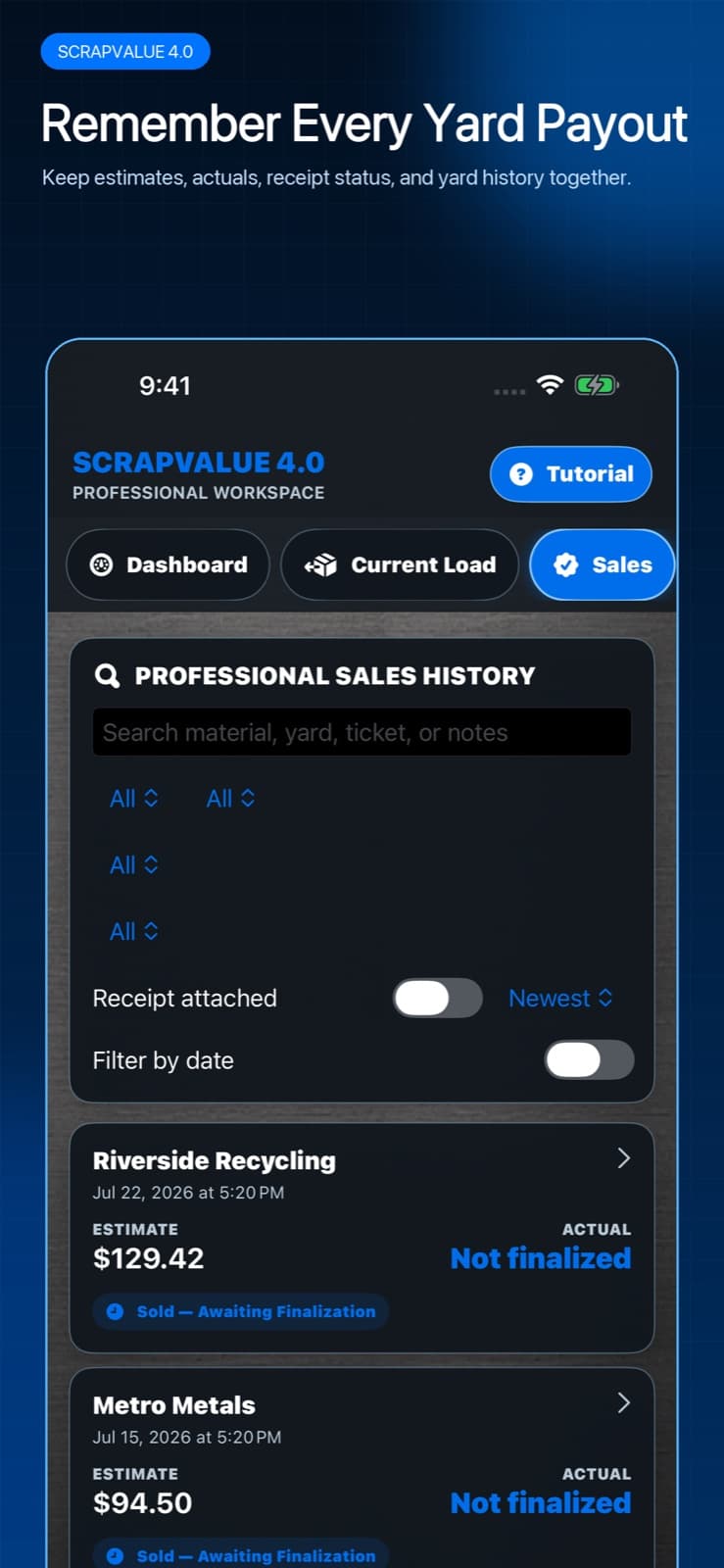
- Save the yard and quoted rates in ScrapValue Pro.
- Run the same load against each saved yard and review both the total and any missing quote coverage.

Convert the quoted payout into a trip decision
The app's complete quote comparison is the starting point. Subtract costs the yard does not know: fuel, tolls, trailer or helper expense, and the value of a much longer trip. Then consider non-price factors such as hours, wait time, unloading help, payment method, and whether the facility reliably accepts your prepared grades.
You do not need a perfect economic model. Even a short note—“$18 higher estimate, but 52 extra miles round trip”—prevents a larger gross payout from being mistaken for a better outcome.
Score the quote after the sale
Save the scale ticket and actual payout. If a grade or rate changed, note why the buyer said it changed. Over time, compare estimate-to-actual gaps by yard. A buyer with a slightly lower phone quote but predictable grading may be more useful than one whose headline rate rarely survives the scale.