Make property instructions operational
A useful note tells the crew where to park, how to enter, what to avoid, and what completion looks like—not just a vague customer preference.
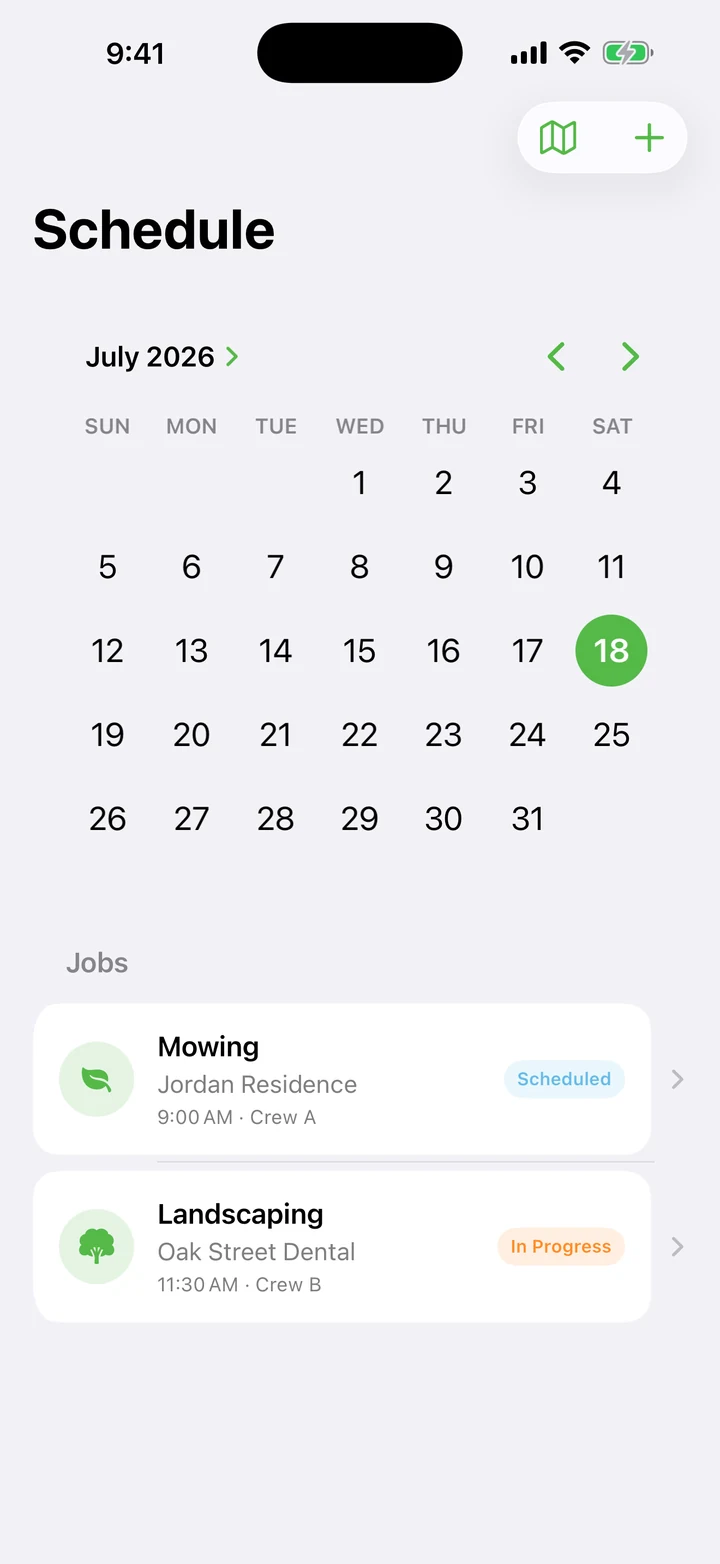
Protect route capacity
Plan travel, loading, refueling, weather, growth, cleanup, and normal exceptions instead of scheduling every minute as perfect billable time.
Define snow billing before the storm
Trigger depth, per-push or per-inch rules, hourly work, seasonal terms, documentation, and response expectations should be clear before dispatch.
Review estimated versus actual
Consistent labor, material, or travel overruns are signals to adjust scope, route design, production assumptions, or price.
Common mistakes to avoid
These shortcuts weaken the Green Pro 365 experience or create expectations the product is not designed to meet.
- Scheduling routes with no weather or travel buffer
- Starting work before approval terms are clear
- Using photos without permission or a business purpose
- Calling revenue profit without labor, material, and overhead costs
Build the next session from evidence
A healthy workflow can explain what was promised, who was assigned, what was completed, what it cost, what was billed, and what should change next time.
After each session, choose one thing to preserve and one thing to adjust. That small review keeps Green Pro 365 focused on its real purpose rather than turning the app into another collection of screens.