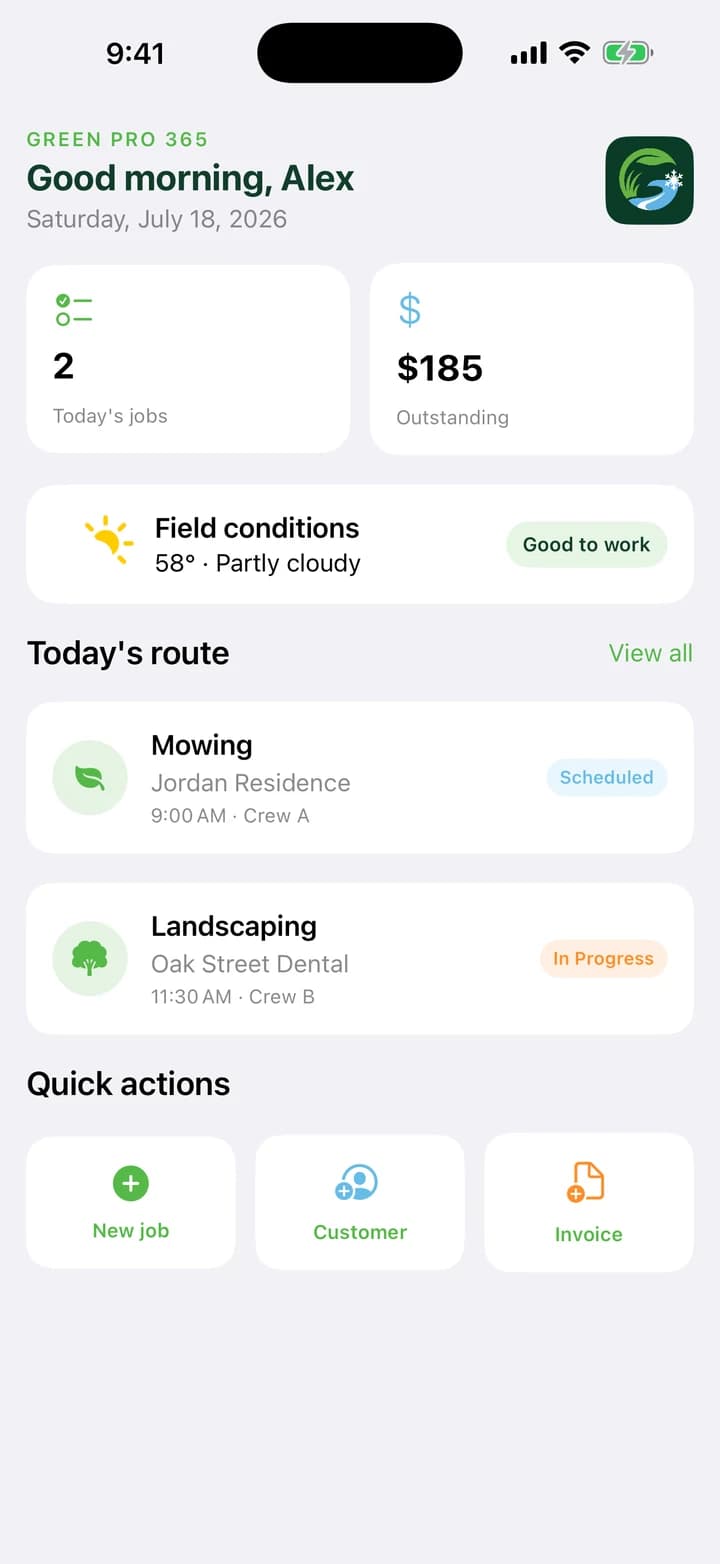
Before you start
Green Pro 365 is available now through the official store links on its Goodale Studios product page. Store availability, compatibility, and purchase terms shown by Apple or Google control the download.
Green Pro 365 is available now for iPhone and iPad. Operational records and selected photos stay in the app's local workspace in the current release; business exports and records still require the owner's own retention and accounting practices.
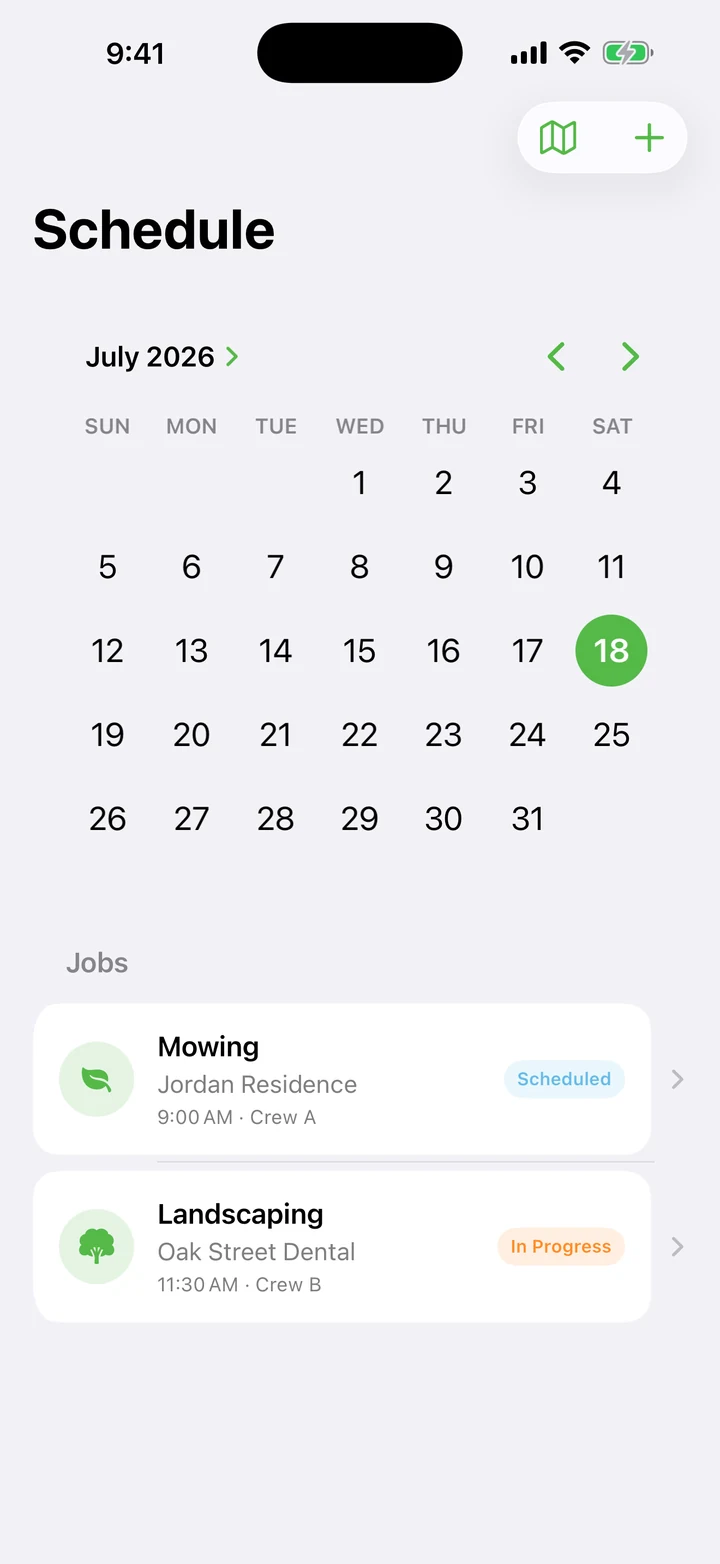
The Green Pro 365 core journey
Use this sequence to understand the main flow. Individual screens and labels may evolve with updates, but the product goal remains consistent: every property. every season.
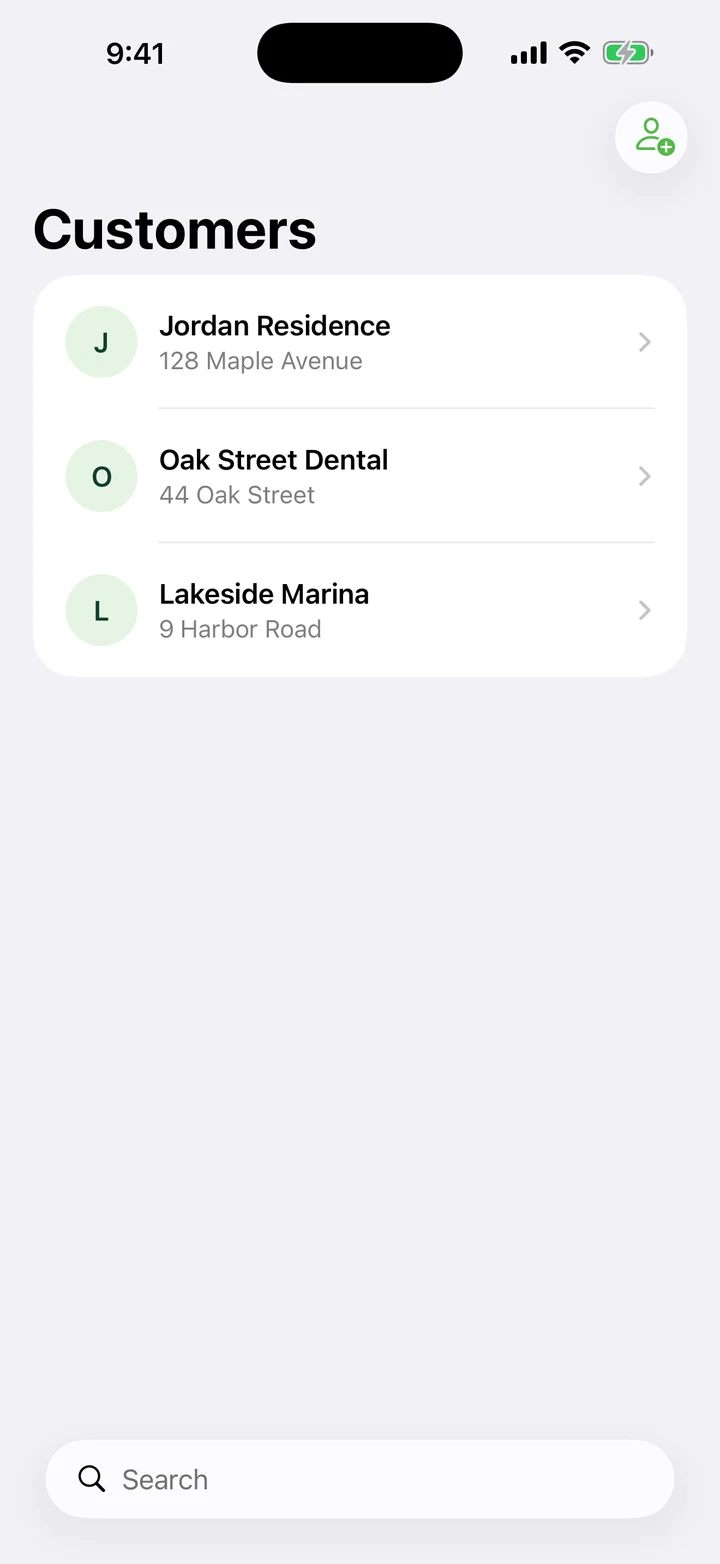
- Create the customer and property: Record service addresses, contacts, gate and parking instructions, scope notes, hazards, pets, and property-specific requirements.
- Estimate the work: Build labor, materials, equipment, disposal, travel, overhead, risk, and clear exclusions into a reviewable proposal.
- Schedule accepted work: Turn approval into a one-time job, recurring lawn visit, or snow-event route with an assigned crew and realistic time window.
- Prove the service: Clock work, complete the checklist, add appropriate field photos, and record exceptions or customer communication with the job.
- Invoice and learn: Create the invoice, track payment status, and compare revenue with actual labor and material cost so the next estimate improves.
How to know the session worked
A healthy workflow can explain what was promised, who was assigned, what was completed, what it cost, what was billed, and what should change next time.