
The problem behind Green Pro 365
The workflow follows the job from the first request to the final payment. Green-season scheduling and winter dispatch share the same customer, property, crew, and business context instead of forcing the owner to rebuild records every season.
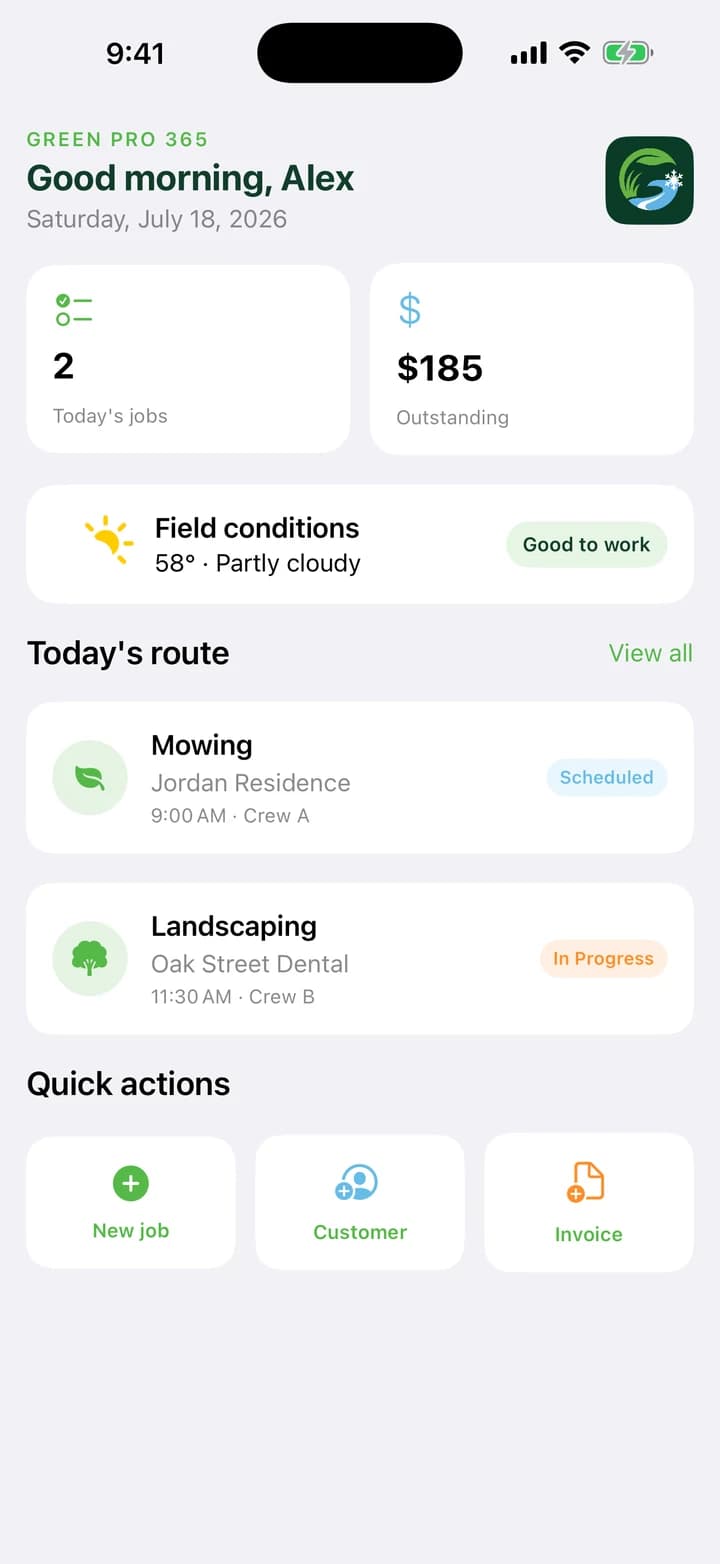
Green Pro 365 connects customers, properties, estimates, approvals, recurring routes, storm events, crews, service proof, invoices, and profitability.
Green Pro 365 is designed for lawn-care and snow-removal owner-operators and small crews that need one year-round operating record without enterprise complexity. The goal is not to add another screen to the day; it is to make the complete decision or experience easier to understand from beginning to end.
One connected experience beats a pile of separate tools
Green Pro 365 brings lawn care and snow removal into one clear operating system for customers, properties, schedules, crews, estimates, service records, and billing.
Built for year-round outdoor service businesses that need professional tools without enterprise complexity or enterprise pricing.
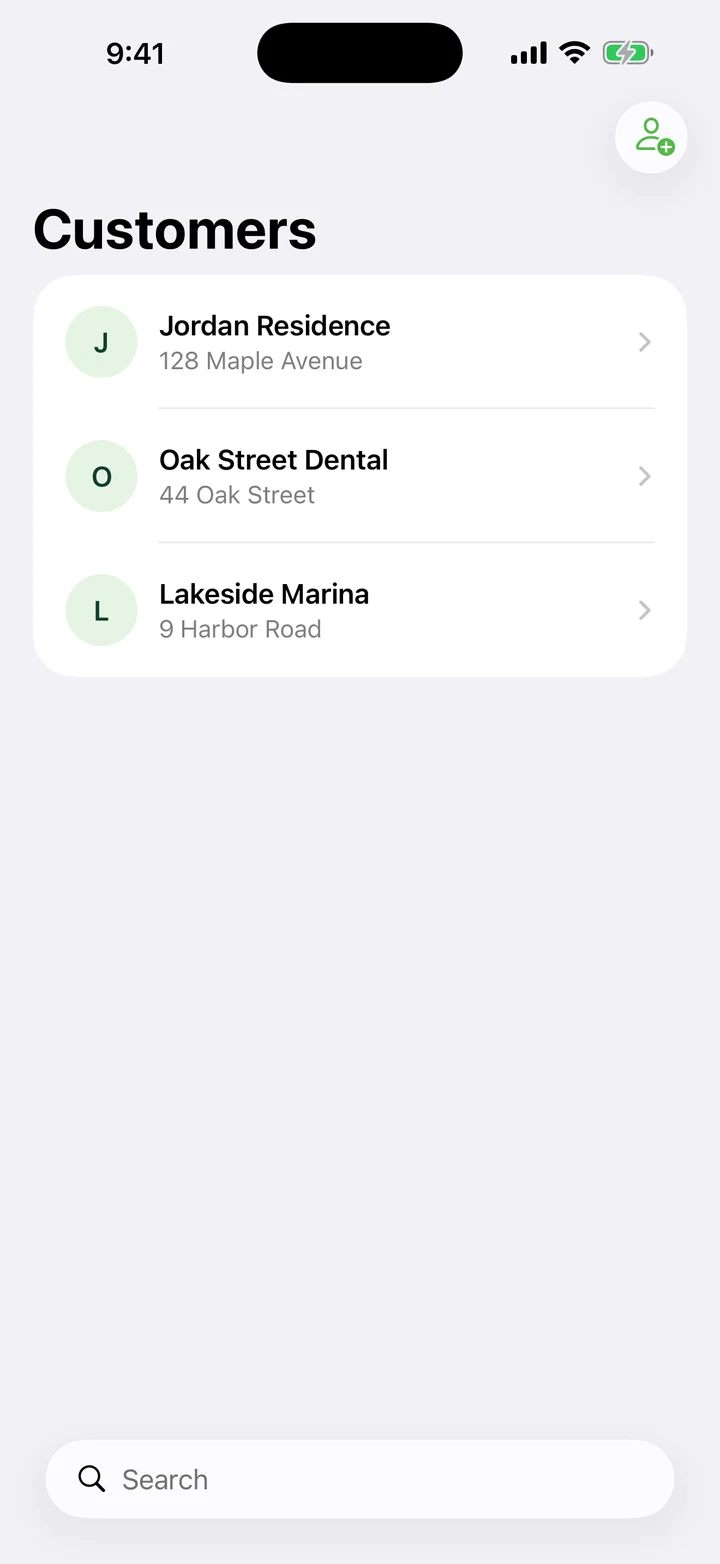
- Customers and properties: Keep service addresses, contact information, notes, job history, and property instructions organized in one place.
- Estimates to invoices: Build estimates, record approvals, schedule accepted work, generate invoices, and track payment status without duplicate entry.
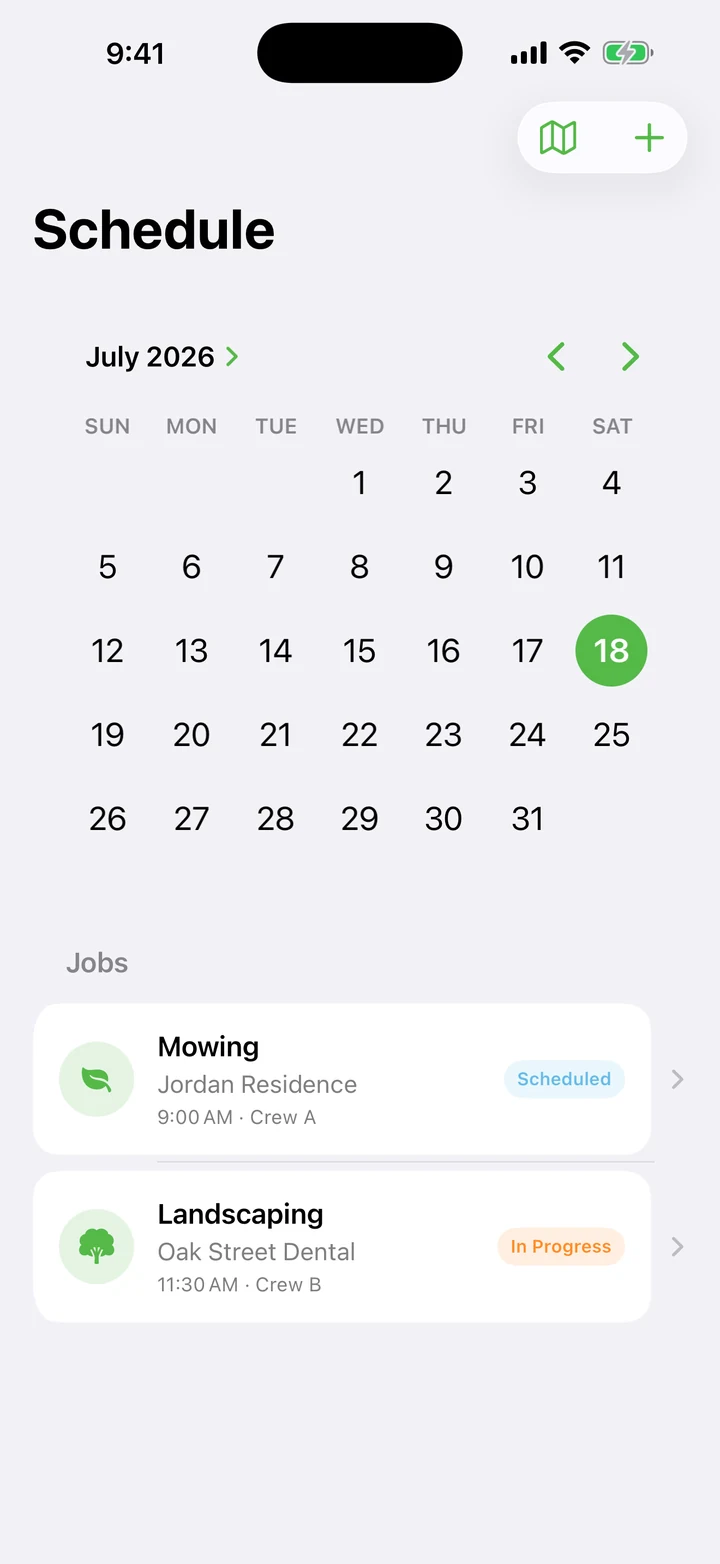
- Recurring lawn routes: Schedule repeating mowing and property-care visits, assign crews, optimize stop order, and move from one job to the next.
- Snow command center: Create storm events, set trigger depths, dispatch snow routes, and support per-push, per-inch, hourly, and seasonal billing.
- Field accountability: Clock crews in and out, complete service checklists, attach field photos, and preserve a clear record of completed work.
The details that earn a place in the routine
Make property instructions operational: A useful note tells the crew where to park, how to enter, what to avoid, and what completion looks like—not just a vague customer preference.
Protect route capacity: Plan travel, loading, refueling, weather, growth, cleanup, and normal exceptions instead of scheduling every minute as perfect billable time.
Define snow billing before the storm: Trigger depth, per-push or per-inch rules, hourly work, seasonal terms, documentation, and response expectations should be clear before dispatch.
Useful promises need honest boundaries
Green Pro 365 is available now through the official store links on its Goodale Studios product page. Store availability, compatibility, and purchase terms shown by Apple or Google control the download.
Green Pro 365 is available now for iPhone and iPad. Operational records and selected photos stay in the app's local workspace in the current release; business exports and records still require the owner's own retention and accounting practices.
The result that matters
A healthy workflow can explain what was promised, who was assigned, what was completed, what it cost, what was billed, and what should change next time.
That is the standard behind Green Pro 365: a focused app should leave the next decision clearer, the completed work or play session more satisfying, and the value easier to explain than it was before the first tap.