Before you start
Goodale’s HVAC Fieldbook 1.0 is available now for iPhone and iPad on the Apple App Store.
Goodale’s HVAC Fieldbook 1.0 is available now for iPhone and iPad on the Apple App Store. Functional tests and other core records stay locally on the device, no Goodale Studios account is required, and exports leave the app only when the user chooses a destination through Apple's share sheet.
The Goodale’s HVAC Fieldbook core journey
Use this sequence to understand the main flow. Individual screens and labels may evolve with updates, but the product goal remains consistent: measure. balance. document.
- Set up the professional workspace: Choose the Technician, Balancer, or Engineer role focus, add company report details, and identify the tools used most often in the field.
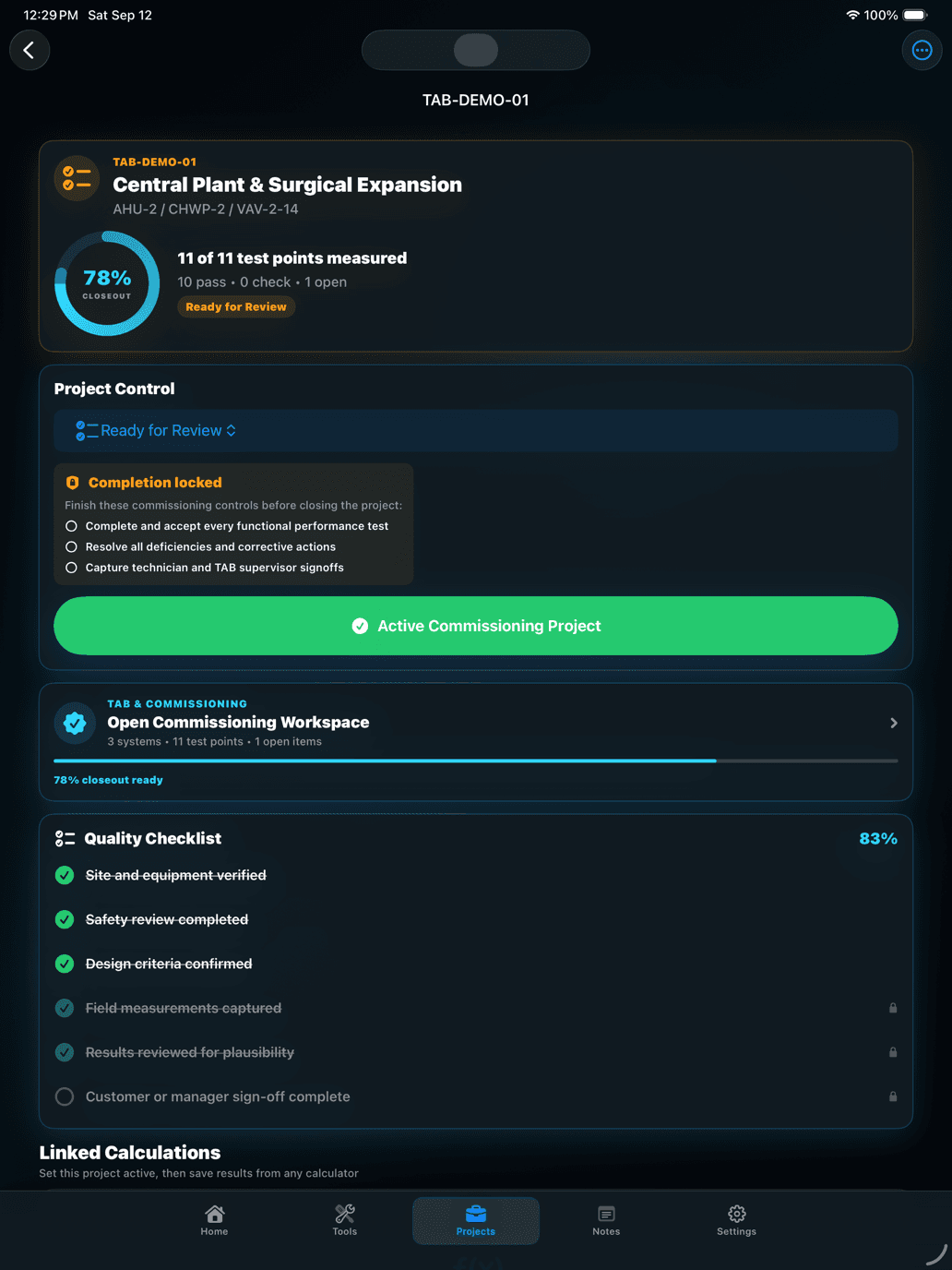
- Create and activate the project: Record the customer, site, project number, area, systems, equipment, technicians, scope, instruments, and required test points before measurements begin.
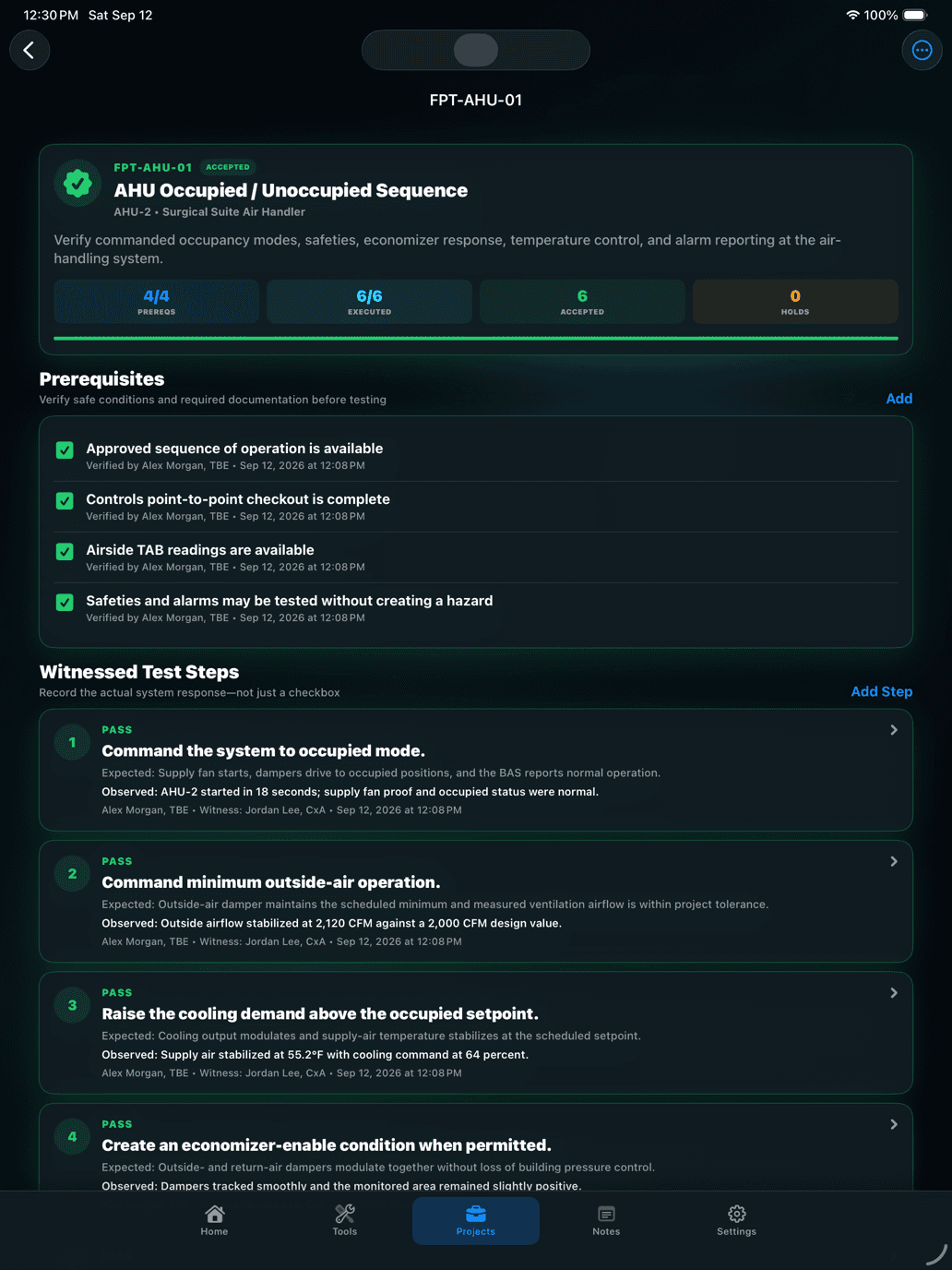
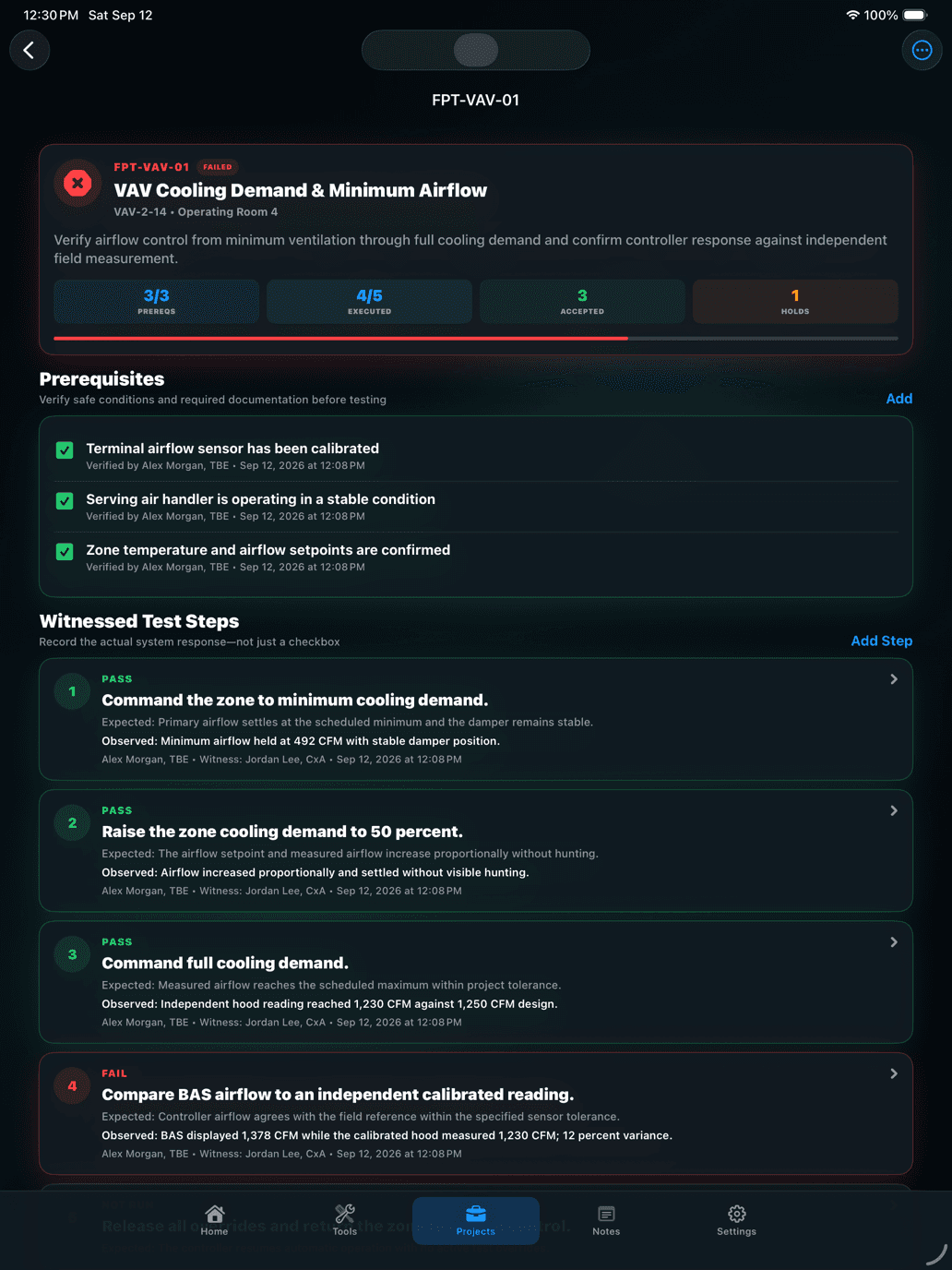
- Execute the functional test: Choose an AHU, VAV, hydronic pump, or custom procedure, verify every prerequisite, then record each commanded condition against its expected and actual response with a result, technician, witness, notes, and timestamp.
- Capture phased evidence: Record initial, adjusted, and final readings with design values, units, tolerances, timestamps, notes, and linked calculation inputs so functional-test and measurement evidence remain reviewable after the technician leaves.
- Resolve, approve, and report: Resolve failed readings and deficiencies, confirm current instrument calibration, complete preparer and reviewer details, capture customer approval, then generate the PDF or CSV closeout package.
How to know the session worked
The workflow succeeds when functional-test evidence is witnessed and reviewable, calculations are technically appropriate, phased readings and tolerances are traceable, unresolved work is visible, instruments and approvals are documented, and the final handoff explains what was tested and measured without overstating what the app proves.