
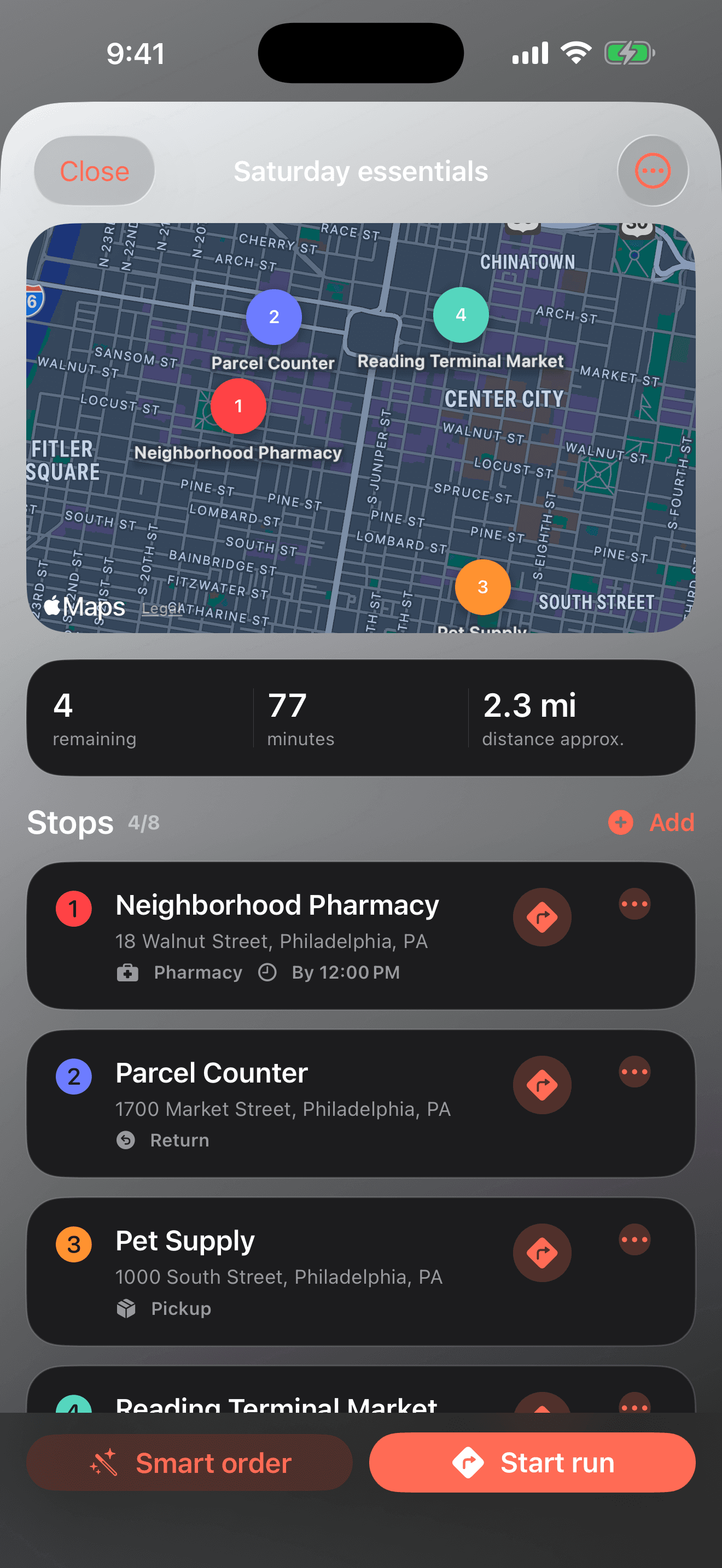
Enter the deadline that actually matters
Use a closing time for the last acceptable arrival, an opening time when early arrival would create waiting, and a full window for an appointment or pickup range.
Estimate stop time honestly
Parking, finding an item, waiting at a counter, and checking out all belong in the duration. An unrealistically short stop can distort every later arrival.
Use priority sparingly
Reserve Must do for the stops that truly cannot be skipped. Marking everything urgent removes the distinction that helps Smart Order make a practical tradeoff.
Review cold-item placement
Chilled and frozen pickups are biased later when deadlines allow, but weather, cooler use, food-safety guidance, and the actual drive remain your responsibility.
Treat the estimate as a briefing
Use the plan to understand the day, then check current Apple Maps conditions, current business hours, and any appointment instructions before relying on a tight schedule.
Common mistakes to avoid
These shortcuts weaken the Errand Arc experience or create expectations the product is not designed to meet.
- Entering a closing time you have not confirmed
- Giving every stop Must do priority
- Treating a straight-line planning estimate as live traffic navigation
- Interacting with the app while driving
- Assuming a cold-item preference replaces safe handling judgment
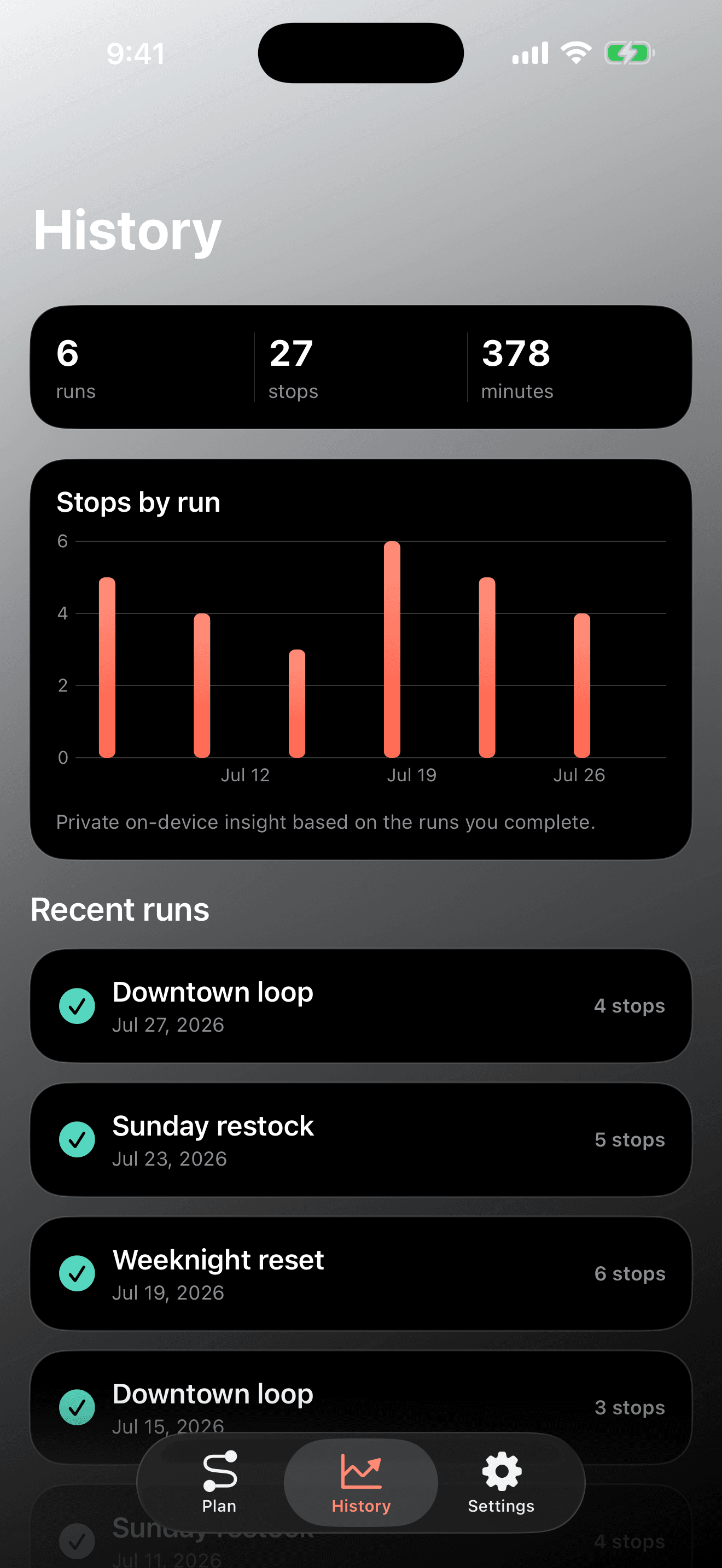
Build the next session from evidence
The workflow succeeds when the stop order is understandable, the genuinely time-sensitive errands have room, cold or fragile pickups are placed deliberately, and you can complete the day without juggling separate lists, map searches, and memory.
After each session, choose one thing to preserve and one thing to adjust. That small review keeps Errand Arc focused on its real purpose rather than turning the app into another collection of screens.