Before you start
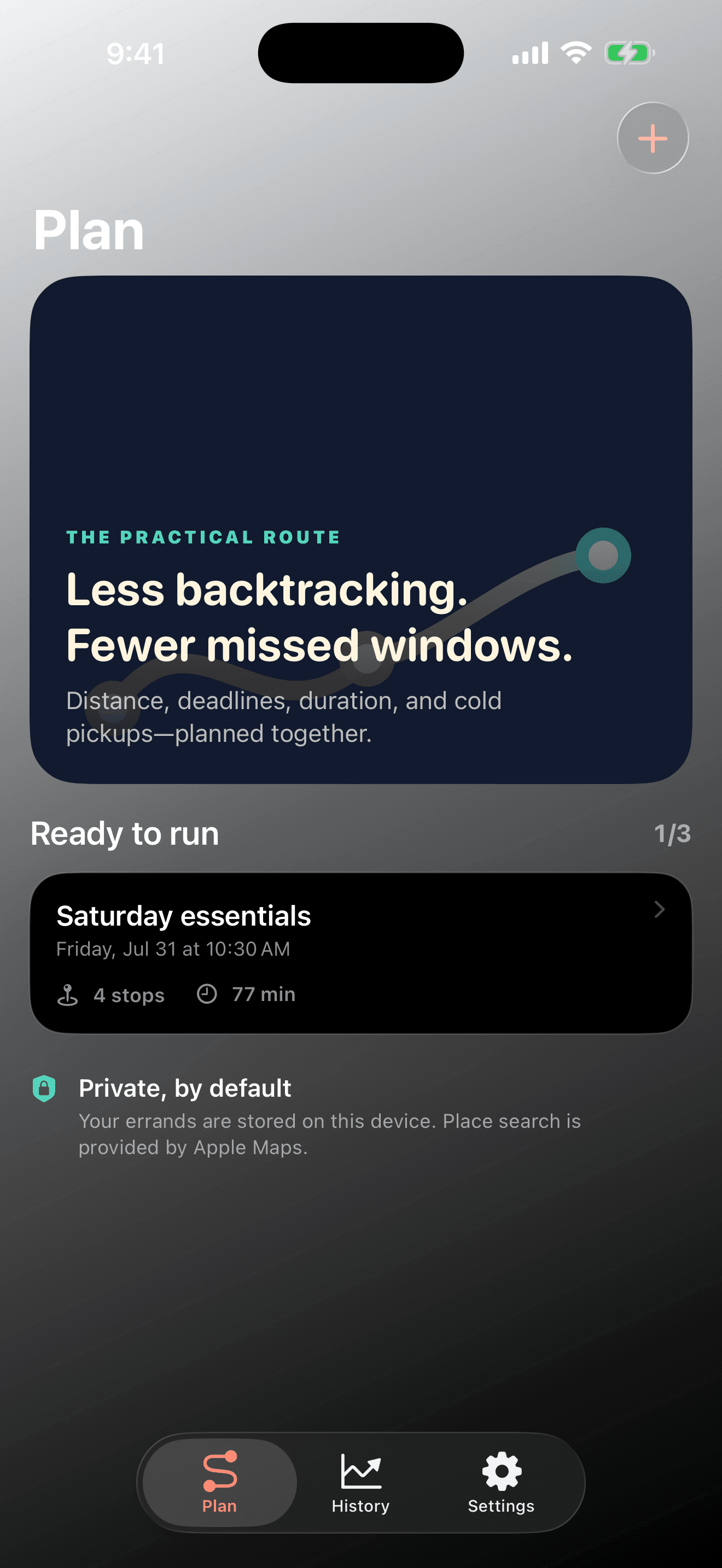
Errand Arc is available now through the official store links on its Goodale Studios product page. Store availability, compatibility, and purchase terms shown by Apple or Google control the download.
Errand records stay in the app's private on-device storage and no Goodale Studios account, advertising, or third-party tracking SDK is required. Optional current location, place search, and directions rely on Apple location and Maps services under Apple's terms. Errand Arc is available from its official App Store listing for iPhone and iPad.
The Errand Arc core journey
Use this sequence to understand the main flow. Individual screens and labels may evolve with updates, but the product goal remains consistent: every stop, in the right order.
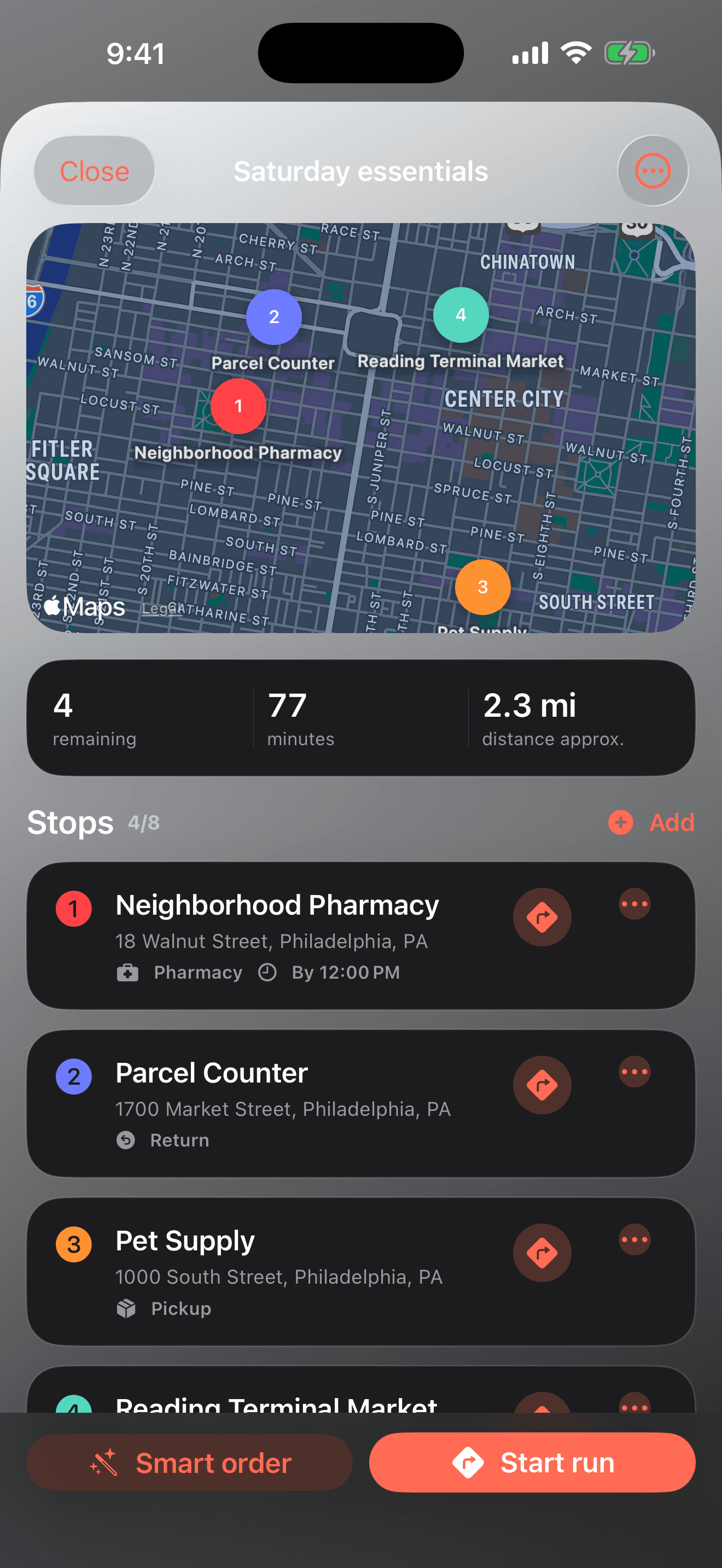
- Name the run and choose when it starts: Set a useful departure time and choose current location, a manually searched starting place, or no saved start. The departure anchors every later time estimate.
- Add every real stop: Search the business or address, then record the task, category, expected duration, priority, and any chilled, frozen, fragile, opening, appointment, or closing constraint.
- Run Smart Order: Let Errand Arc weigh distance against the information you entered. Review the new order, route estimate, and warnings instead of assuming the first result must be followed blindly.
- Follow the run safely: Open the next stop in Apple Maps before driving, keep the phone out of your hands on the road, and check off each stop only when you are safely parked or away from traffic.
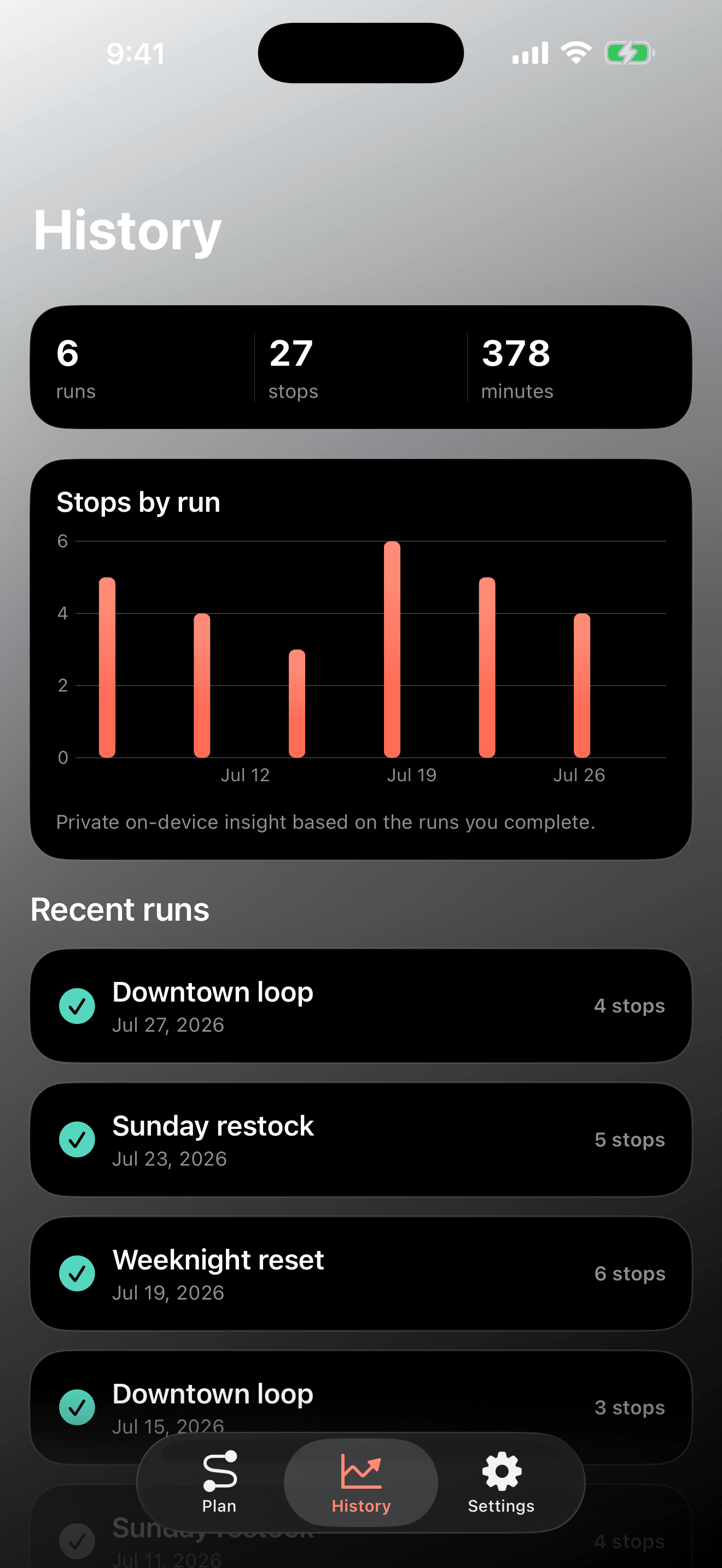
- Complete and learn: Finish the run to preserve its result. Free recent history supports a useful trial; Pro keeps complete history, private insights, and one-tap repeat runs for routines that happen again.
How to know the session worked
The workflow succeeds when the stop order is understandable, the genuinely time-sensitive errands have room, cold or fragile pickups are placed deliberately, and you can complete the day without juggling separate lists, map searches, and memory.