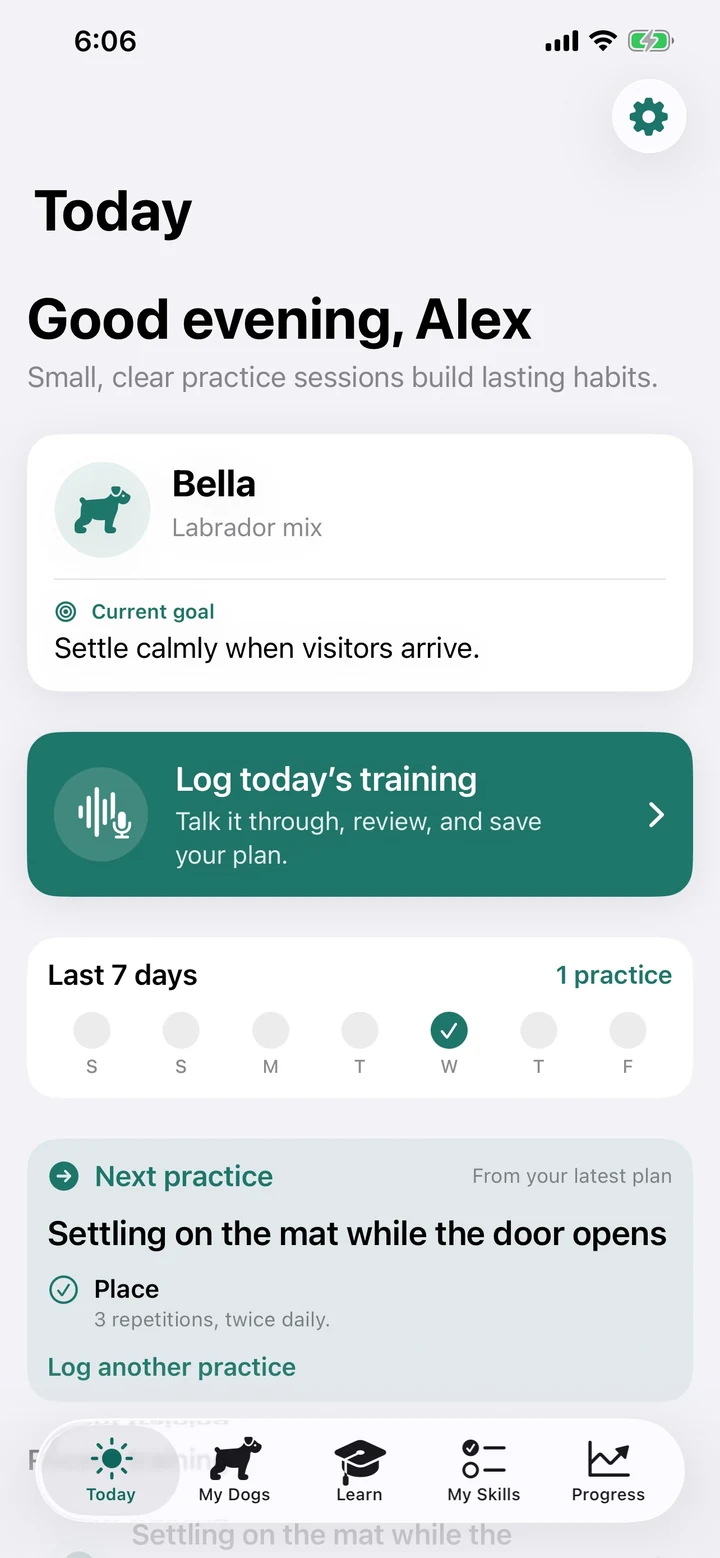
Before you start
TrainerLoop is available now through the official store links on its Goodale Studios product page. Store availability, compatibility, and purchase terms shown by Apple or Google control the download.
TrainerLoop uses local-first records with no Goodale Studios account, advertising, tracking, analytics SDK, or app-data server. Training should remain humane, reward-based, and appropriate to the dog, environment, and safety needs.
The TrainerLoop core journey
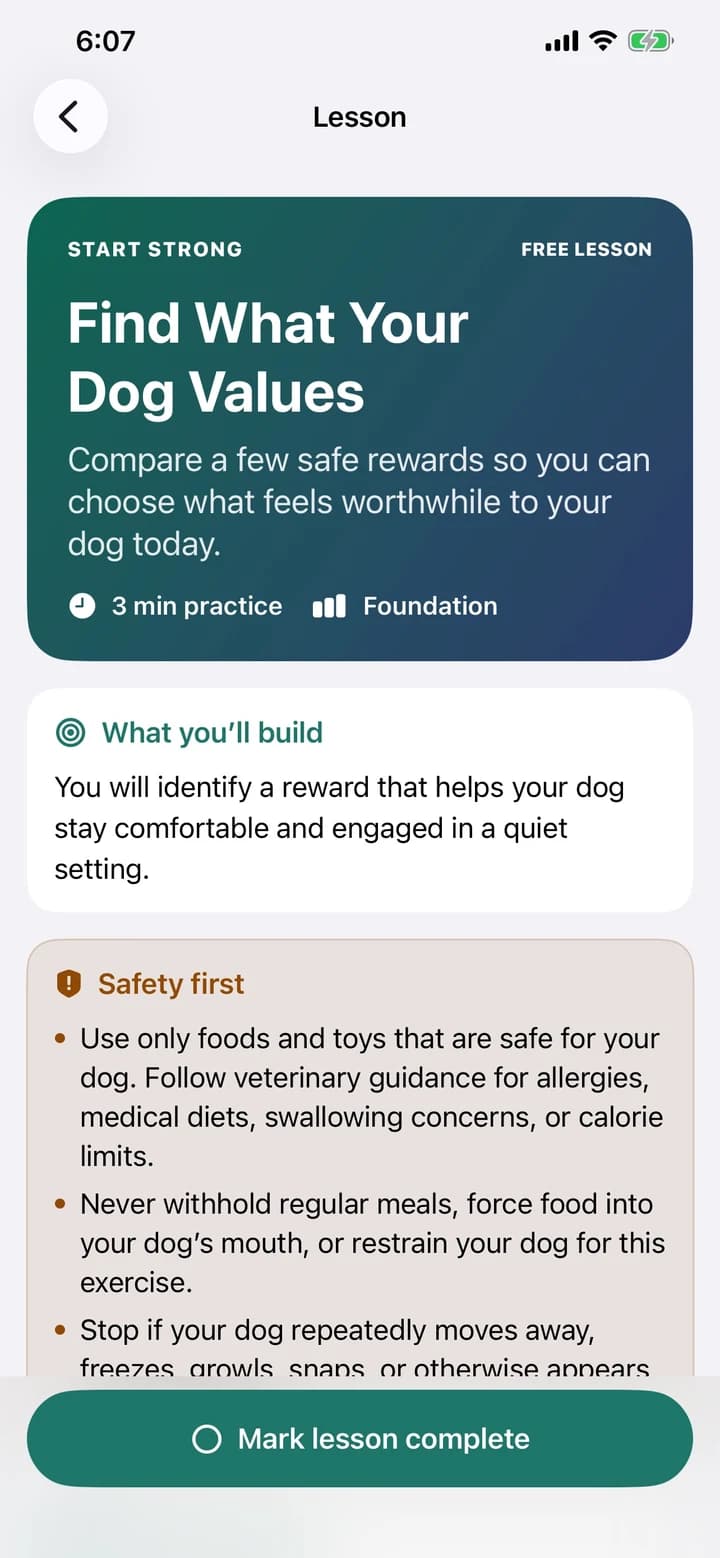
Use this sequence to understand the main flow. Individual screens and labels may evolve with updates, but the product goal remains consistent: clear training plans for every dog.
- Choose Personal or Business: Start in the workspace that matches today's job. You can switch later without deleting the records in either workspace.
- Add the dog and goals: Create the profile, include a photo if useful, write the practical goals, and keep safety or handling notes visible.
- Practice or record the session: Owners follow a guided lesson with steps and short timers. Trainers create a client session and capture the observations that matter.
- Review every field: Edit criteria, practice steps, troubleshooting, and wording before marking a lesson or client plan complete.
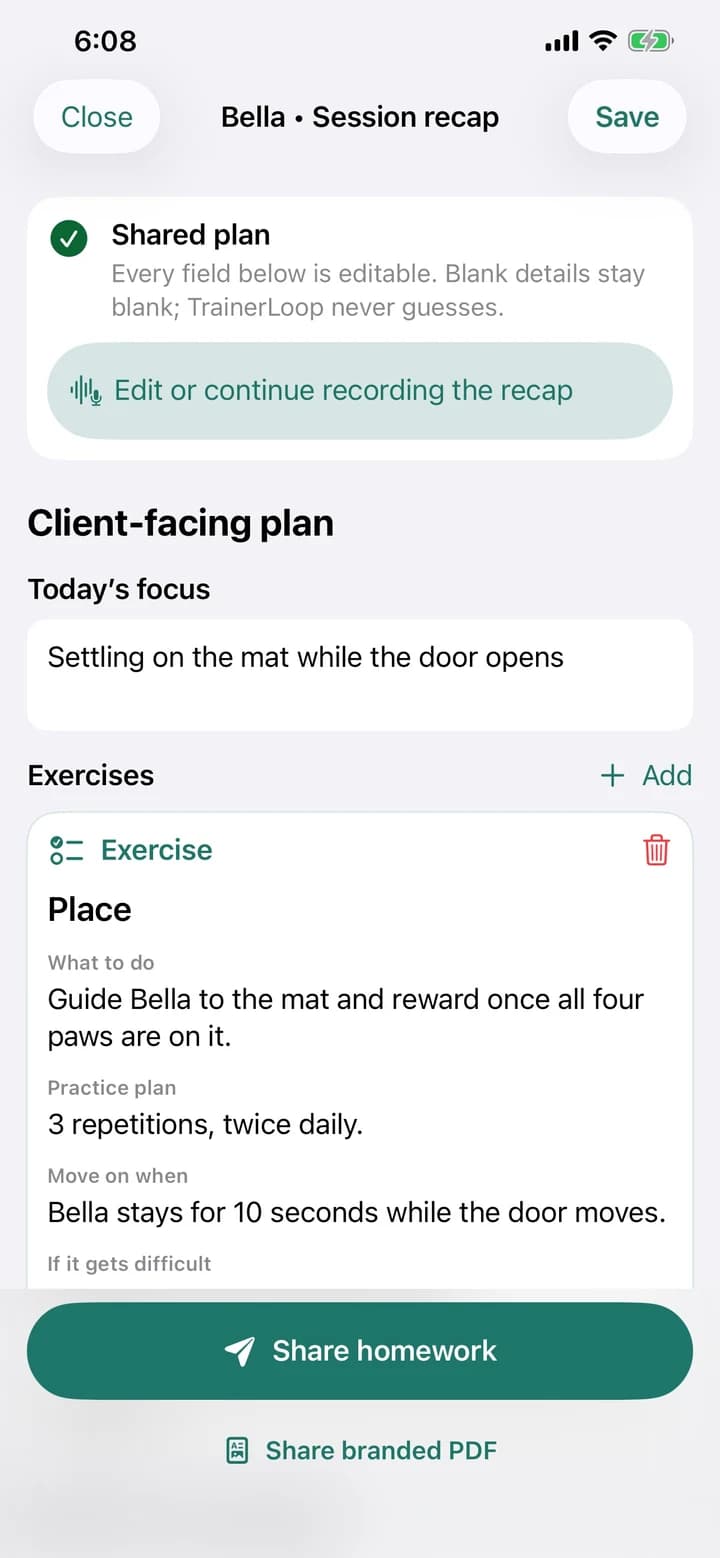
- Share a clear next step: Use accessible text or a branded PDF for client homework. The recipient does not need an account or the app.
How to know the session worked
A useful session ends with a dog that can succeed, a person who knows the next small practice step, and a record clear enough to guide the following session.