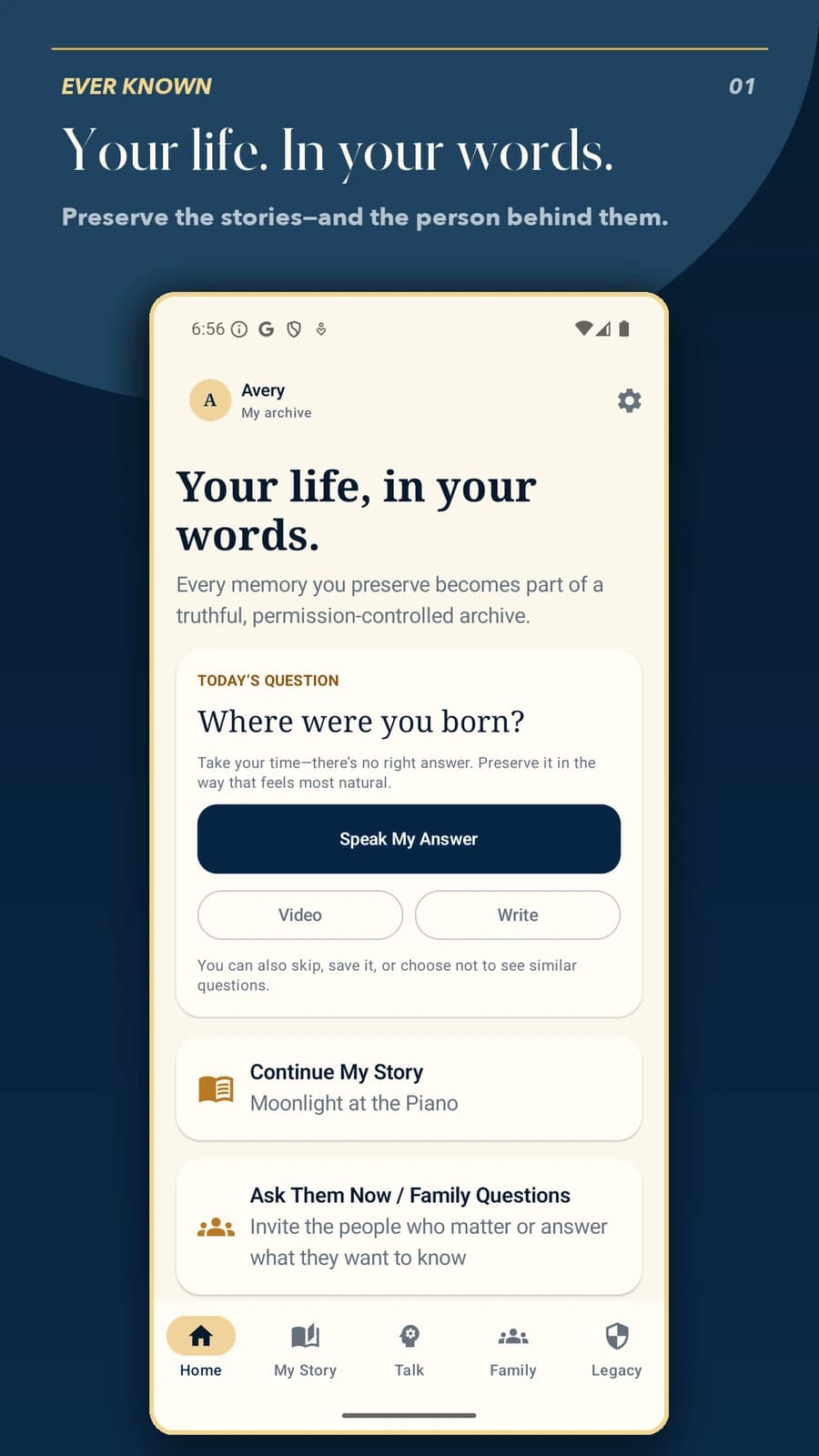
Before you start
Ever Known is available now through the official store links on its Goodale Studios product page. Store availability, compatibility, and purchase terms shown by Apple or Google control the download.
Ever Known is available for iPhone and iPad on the App Store and for Android on Google Play. The apps use an authenticated shared service for cross-platform accounts, invitations, uploaded records, media, permissions, and verified subscription entitlements. Grounded AI text conversations additionally require the owner’s separate AI authorization, and Only Me, Never Share, and otherwise unauthorized records remain unavailable to viewers and AI retrieval.
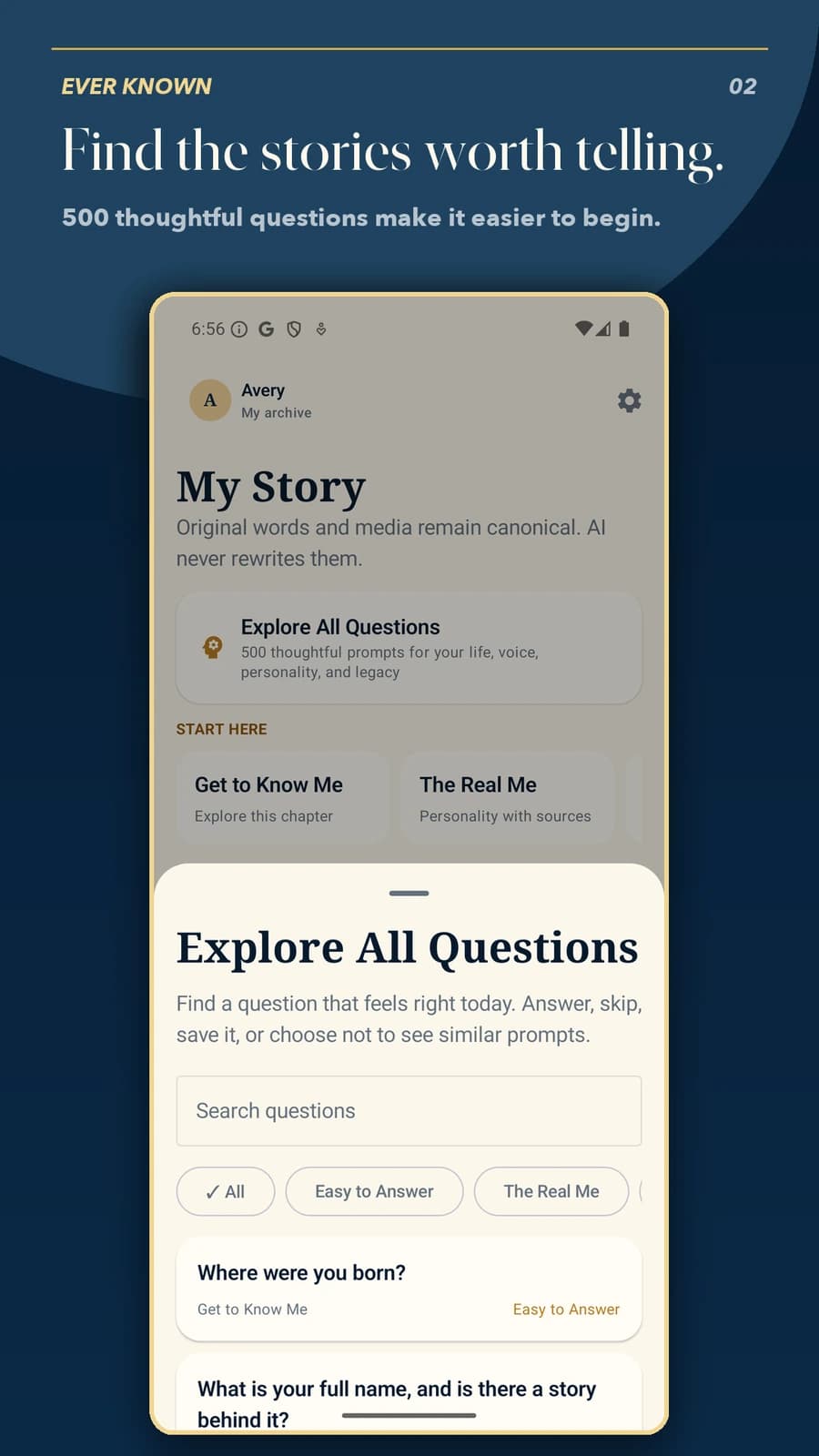
The Ever Known core journey
Use this sequence to understand the main flow. Individual screens and labels may evolve with updates, but the product goal remains consistent: your life. in your words.
- Create the archive deliberately: Start with the living person's informed choice, establish the profile owner, and record the permissions that govern storage, family access, voice, AI assistance, and future use.
- Preserve original material: Record stories and answers in the person's own words, attach photographs or media intentionally, and keep dates, people, topics, and source context with each item.
- Set access item by item: Choose Only Me, a defined shared audience, or Never Share according to the person's wishes instead of assuming that a family relationship automatically grants access.
- Invite a specific person: Bind an invitation to the intended viewer, confirm which records are Shared Essentials, and remember that Premium can unlock only non-AI material the owner already granted. Ever Known AI can add a grounded text conversation only when subscription, permission, and separate AI-consent checks all pass.
- Export and revisit the plan: Create a portable archive, confirm trustee and future-message choices, and review permissions over time while the owner can still change or revoke optional consent.
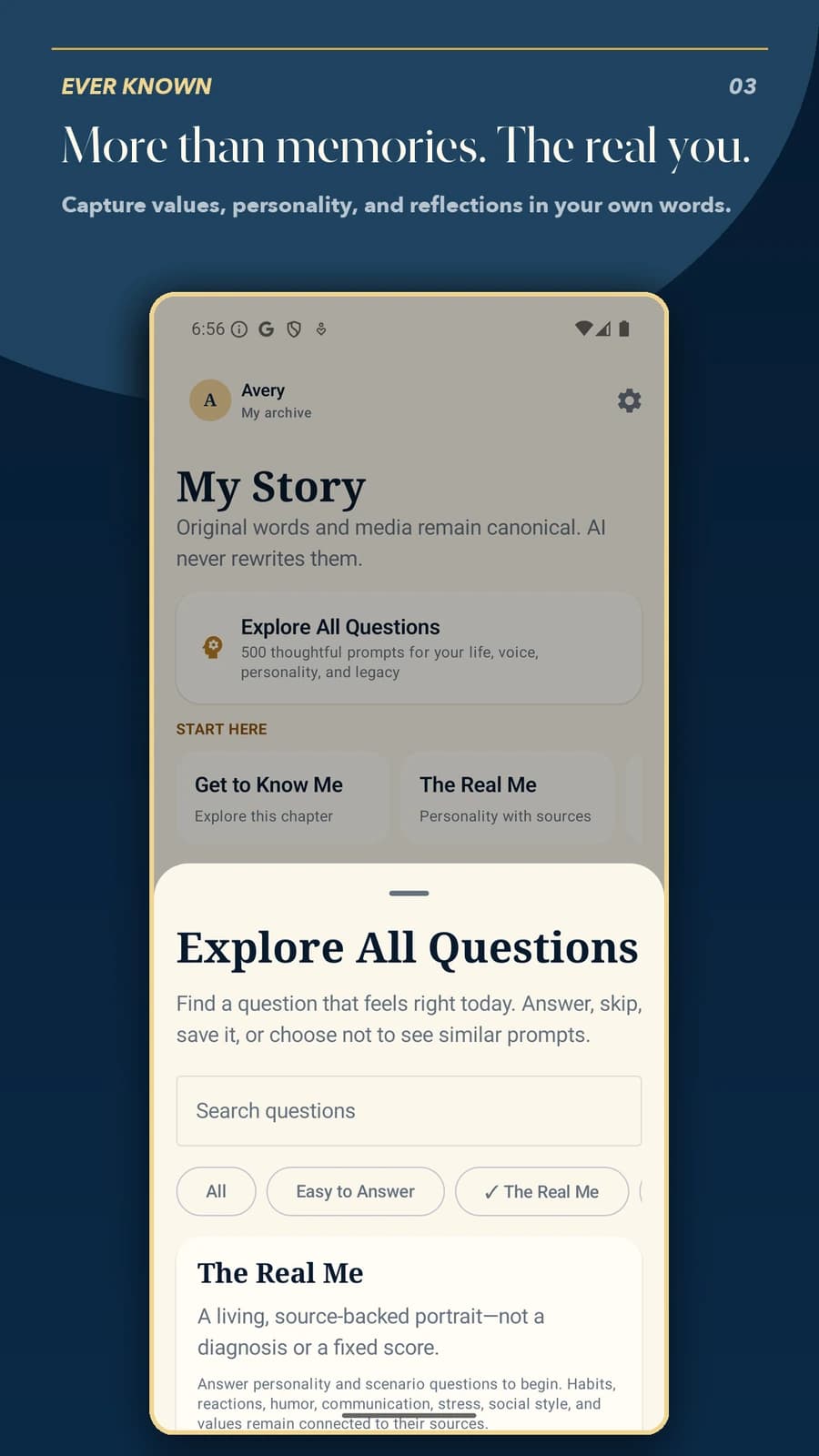
How to know the session worked
The archive succeeds when the person's own material remains primary, every shared item follows an understandable permission, contributions and interpretations stay labeled, and the record can be exported and reviewed without inventing certainty.
Your first session: one story, one deliberate permission
Begin with something small enough to finish: an ordinary routine, a favorite place, or a lesson you want to preserve. You do not need to summarize an entire life. For a practice run, use a fictional example such as “Avery remembers learning to make pancakes.” Do not place a real relative’s details in a public demonstration or support screenshot.
Choose a guided question in the app, preserve the answer in your own words, and review any attached photo or original recording. Add enough context that a reader understands who supplied it and what is remembered, but leave out passwords, account numbers and details another person has not agreed to share. A short, accurate record is more useful than a polished story with invented details.
Before inviting anyone, inspect the permission on that specific item. Keep the practice story private until the owner intentionally chooses a permitted audience. Shared Essentials is a viewer-access choice, not a promise that every item becomes available for free or that a paid plan can override the owner. Only Me and Never Share are not unlocked by a relationship or subscription.
- Create the owner’s account and complete the required sign-in confirmation.
- Save one short record you are comfortable preserving.
- Reopen it and check the original content and chosen visibility.
- If sharing, use a specific intended viewer and verify access from that viewer’s account.
- Keep an independent export for irreplaceable material; treat any failed synchronization as a support issue before adding more.