Before you start
Evellure is available now through the official store links on its Goodale Studios product page. Store availability, compatibility, and purchase terms shown by Apple or Google control the download.
Core business records stay on the device. Evellure is an organization tool, not a substitute for professional licensing, required consent, product instructions, workplace safety, accounting, or legal advice.
The Evellure core journey
Use this sequence to understand the main flow. Individual screens and labels may evolve with updates, but the product goal remains consistent: where artistry meets ambition.
- Set up services and essentials: Create the services, durations, pricing context, products, and inventory items that reflect how the business actually works.
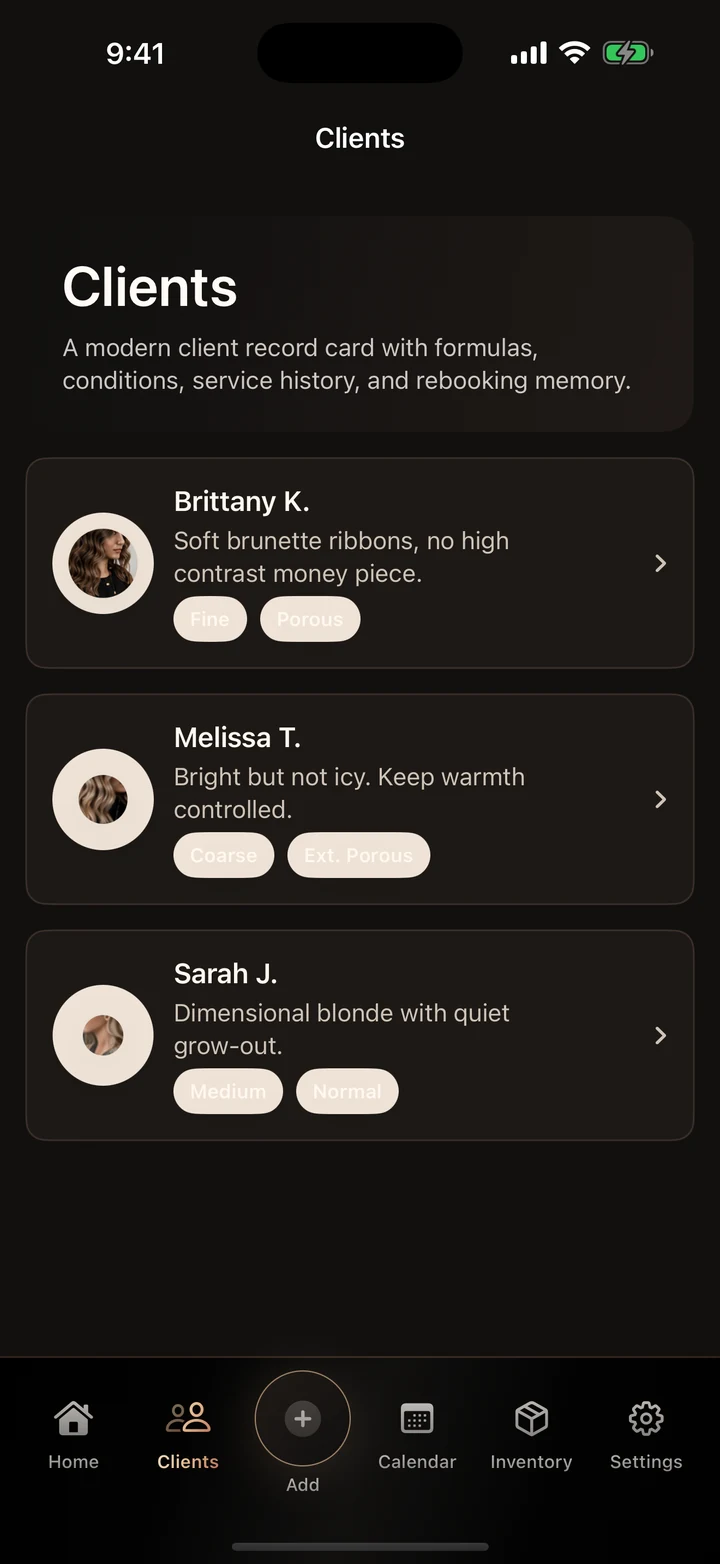
- Create a useful client profile: Add contact details, requested preferences, relevant service history, formula notes, and concise professional context without collecting unrelated sensitive information.
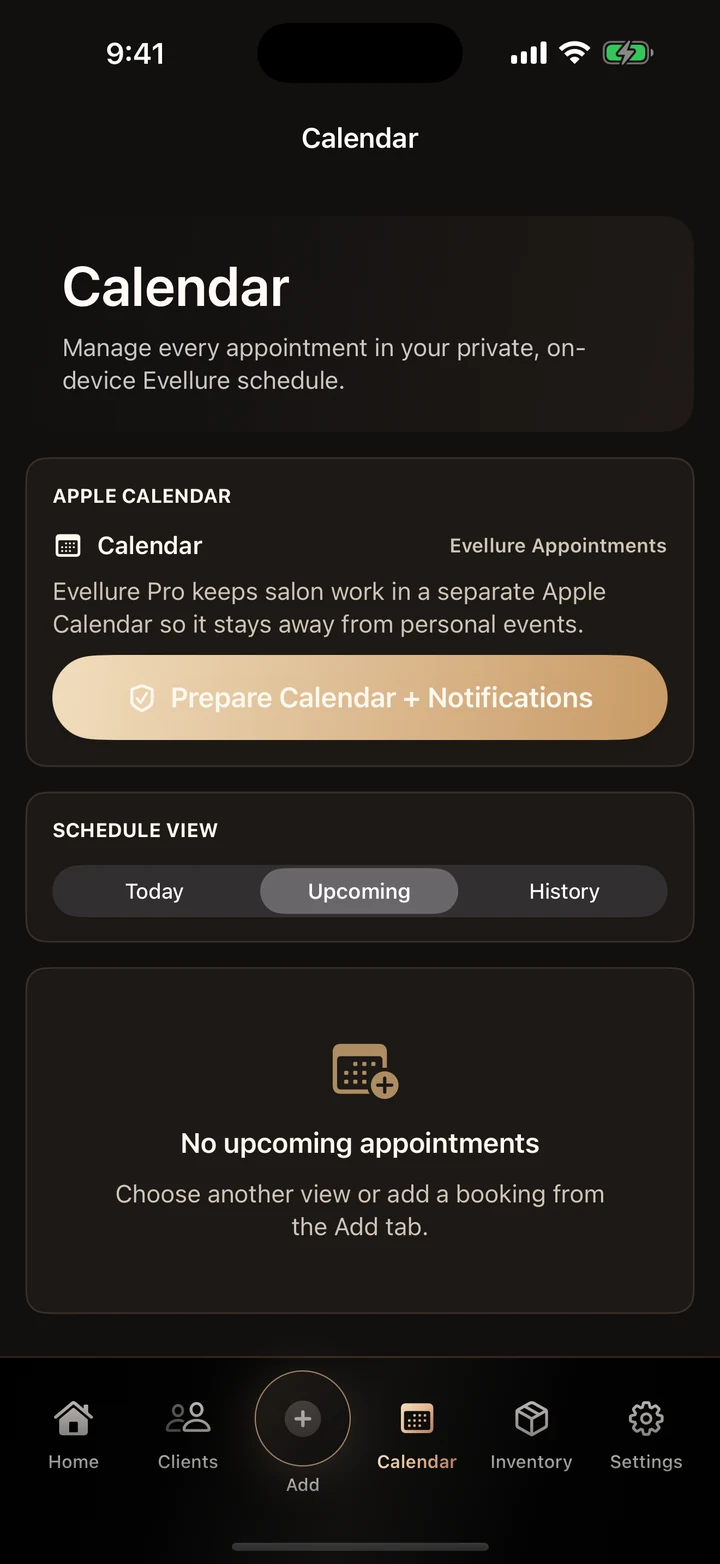
- Book the appointment: Choose services, confirm timing, check conflicts, and optionally sync the visit to the dedicated Evellure Apple Calendar and local reminders.
- Record the result: After the service, save formulas, processing notes, products, outcome, and the details needed to repeat or adjust the work next time.
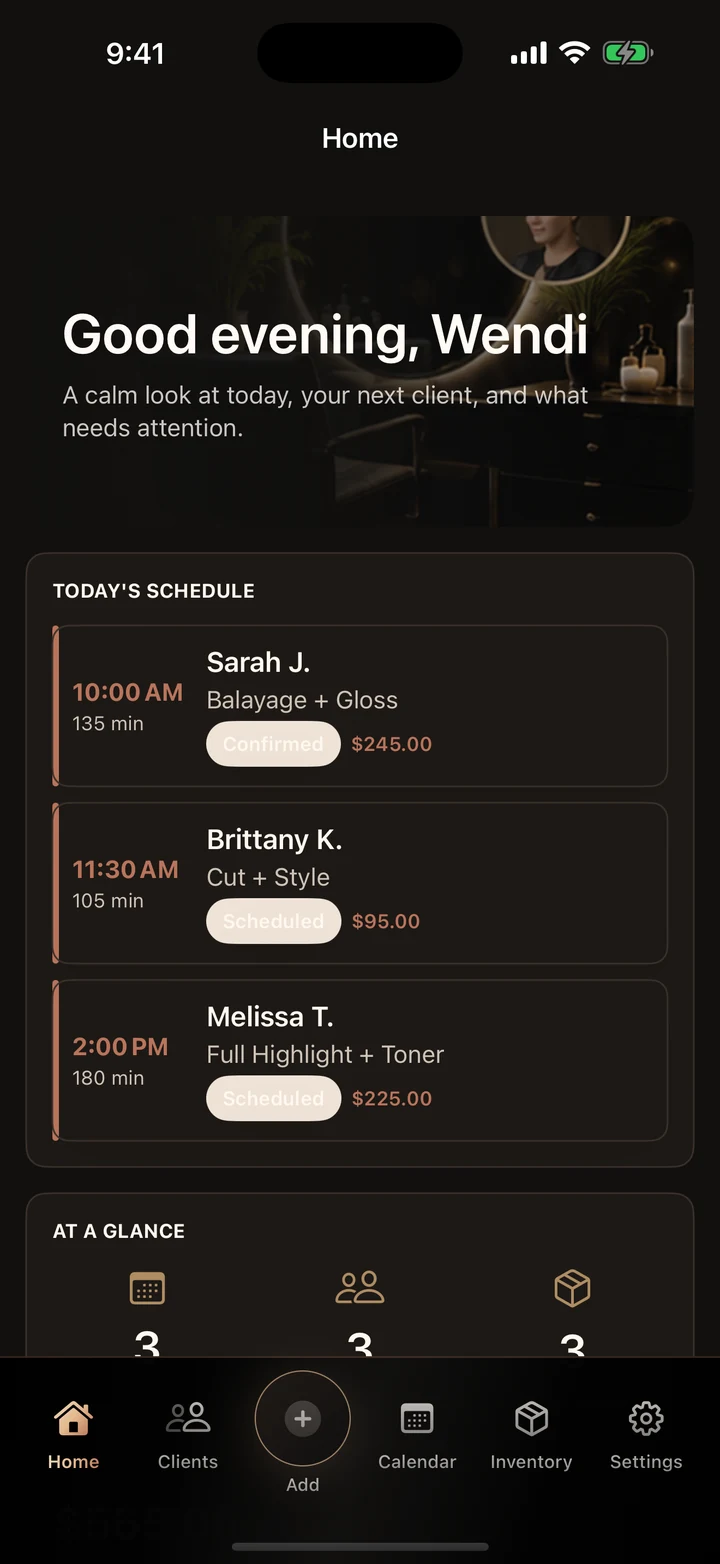
- Close the loop: Review rebooking opportunities, low-stock items, booked service value, and the next client needs from the daily dashboard.
How to know the session worked
The system works when the professional can open the next appointment and immediately understand the client, the planned service, the last result, and what needs preparation.
These guides explain the published Evellure product experience. Confirm current availability, compatibility, privacy, purchases, and support details on the official product and store pages.