Before you start
BandBeam is available now through the official store links on its Goodale Studios product page. Store availability, compatibility, and purchase terms shown by Apple or Google control the download.
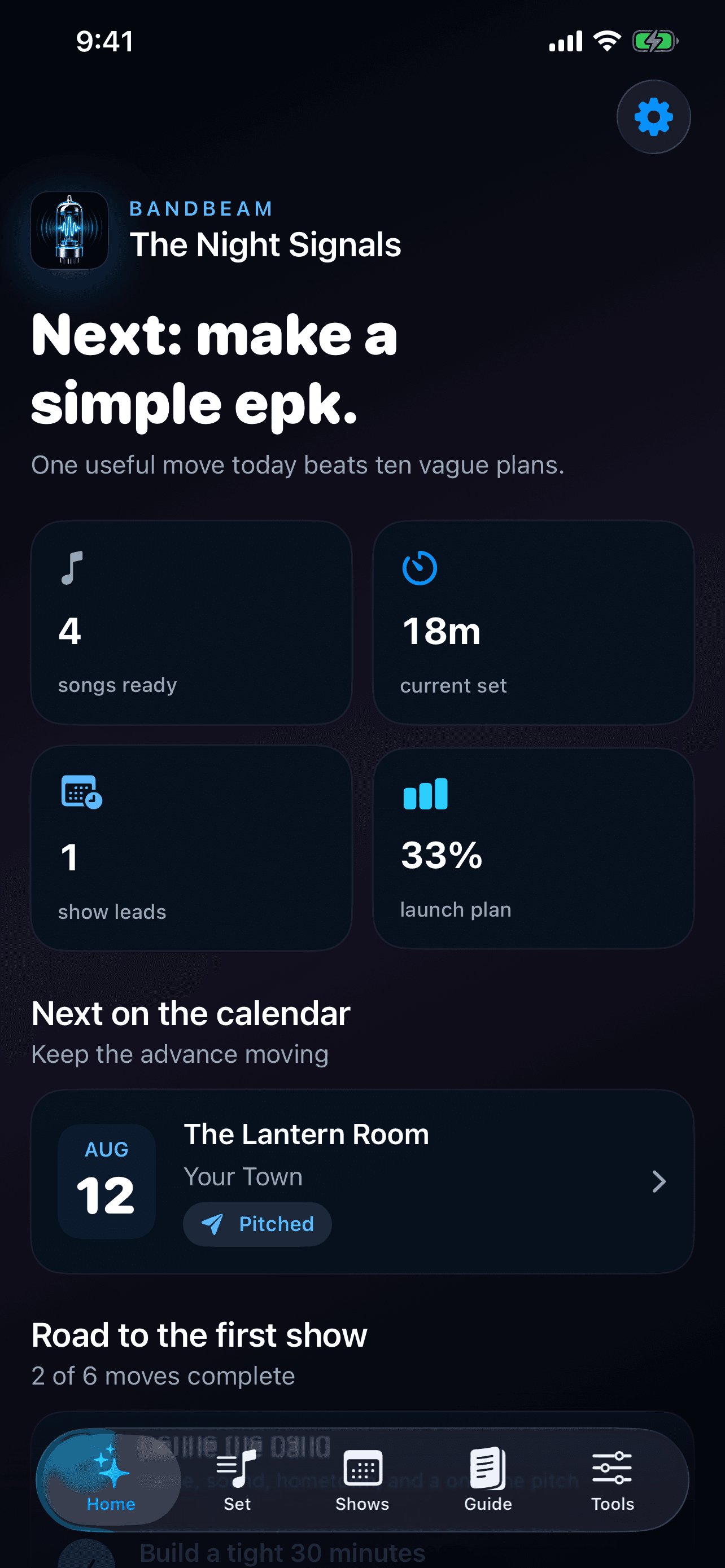
BandBeam stores the band profile and working records locally on the iPhone and does not require a Goodale Studios account. These guides describe the live 1.0 experience and the records, planning tools, and optional Premium features available from its official App Store listing.
The BandBeam core journey
Use this sequence to understand the main flow. Individual screens and labels may evolve with updates, but the product goal remains consistent: your band, focused.
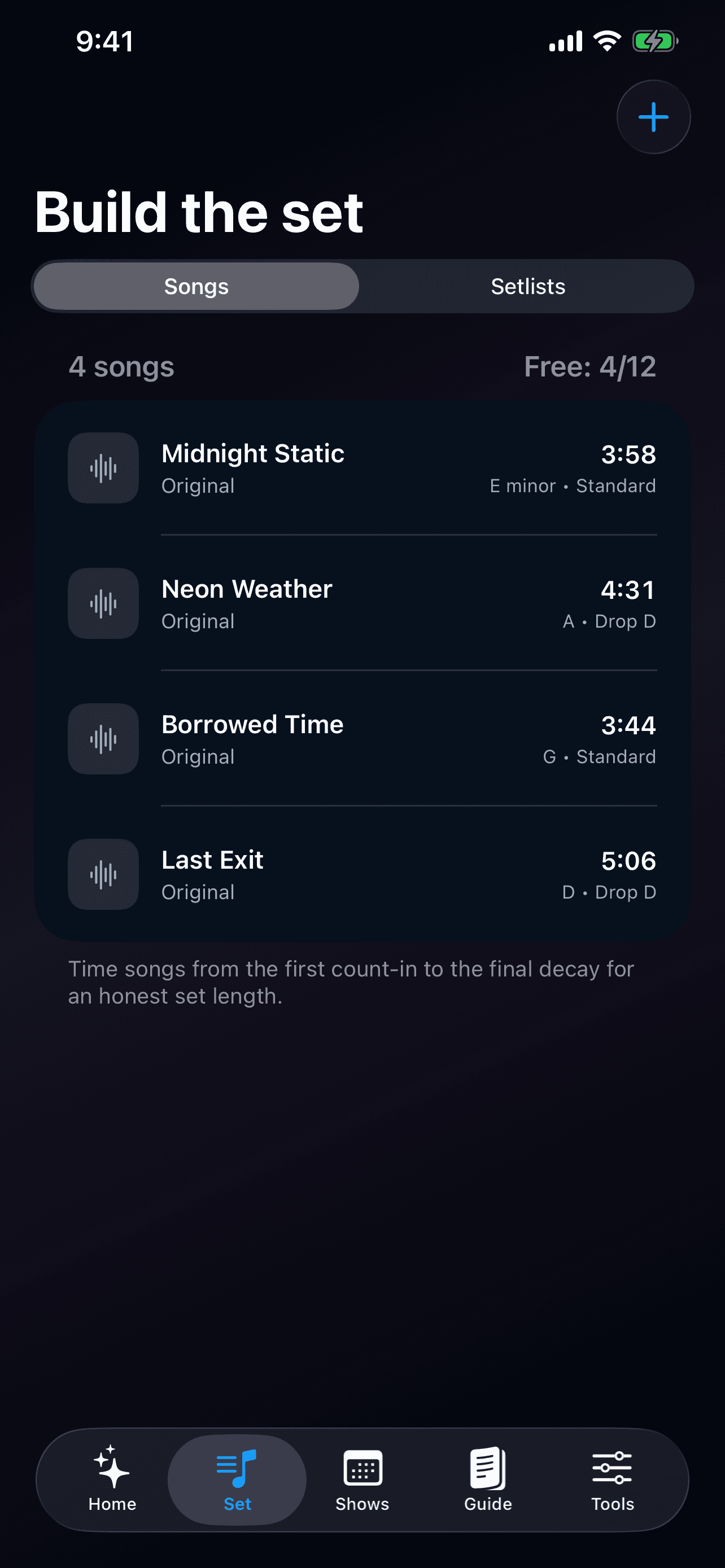
- Define the band: Record the band name, genre, hometown, member count, contact email, and one-line description that should stay consistent across rehearsals and booking conversations.
- Build the song book: Add title, artist, duration, key, tuning, original-or-cover status, and notes so each song is ready to become part of a dependable set.
- Time the complete set: Arrange songs in performance order and include the transition time between them, then compare the full estimate with the slot promised to the venue.
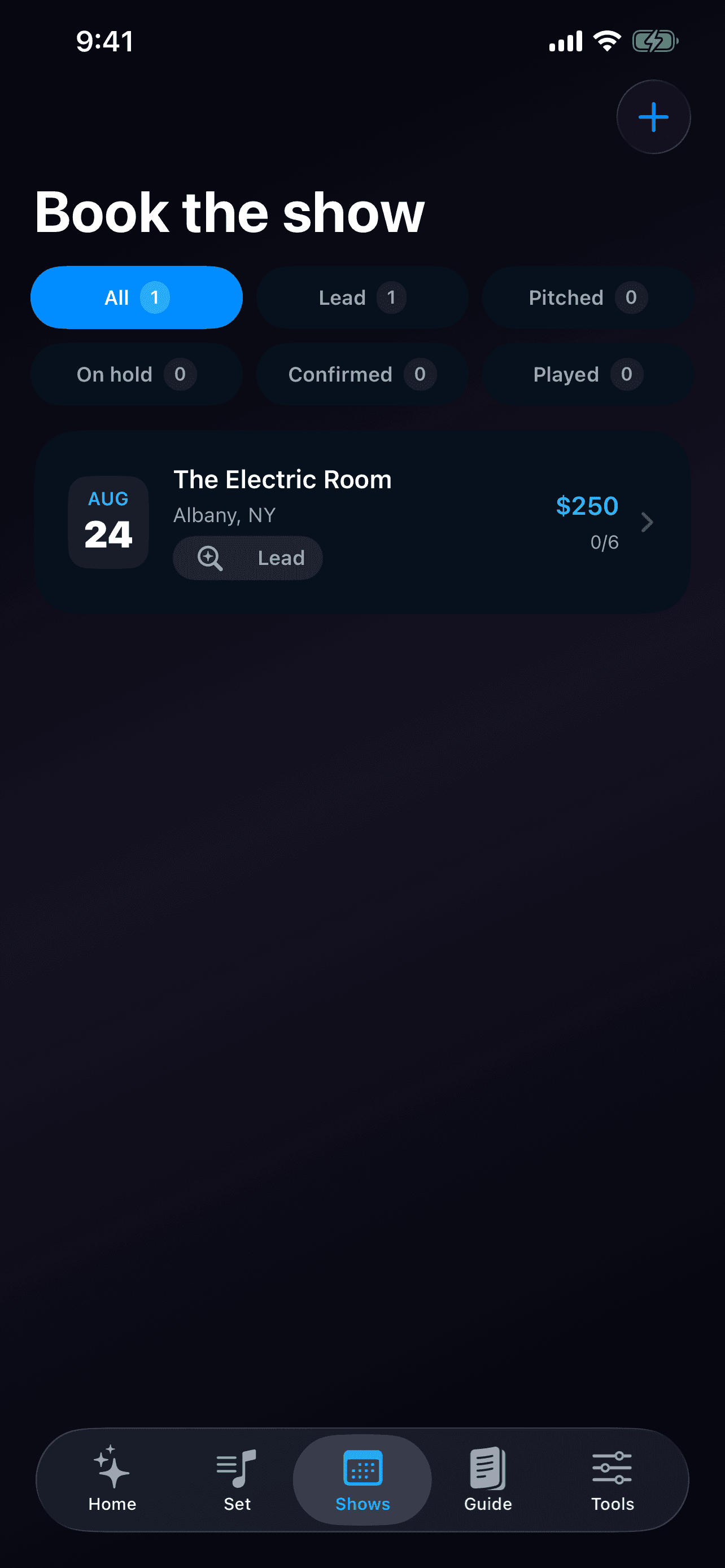
- Move a venue lead forward: Keep venue, city, date, status, booking contact, guarantee, assigned setlist, notes, and the show-day advance checklist in one show record.
- Prepare and settle the show: Use the packing checklist, shareable set information, and payout split plan to keep load-in, performance, and settlement understandable to the whole band.
How to know the session worked
The workflow succeeds when every member can explain what the band is rehearsing, how long the set really runs, which venue conversation comes next, and what must happen before load-in.