Before you start
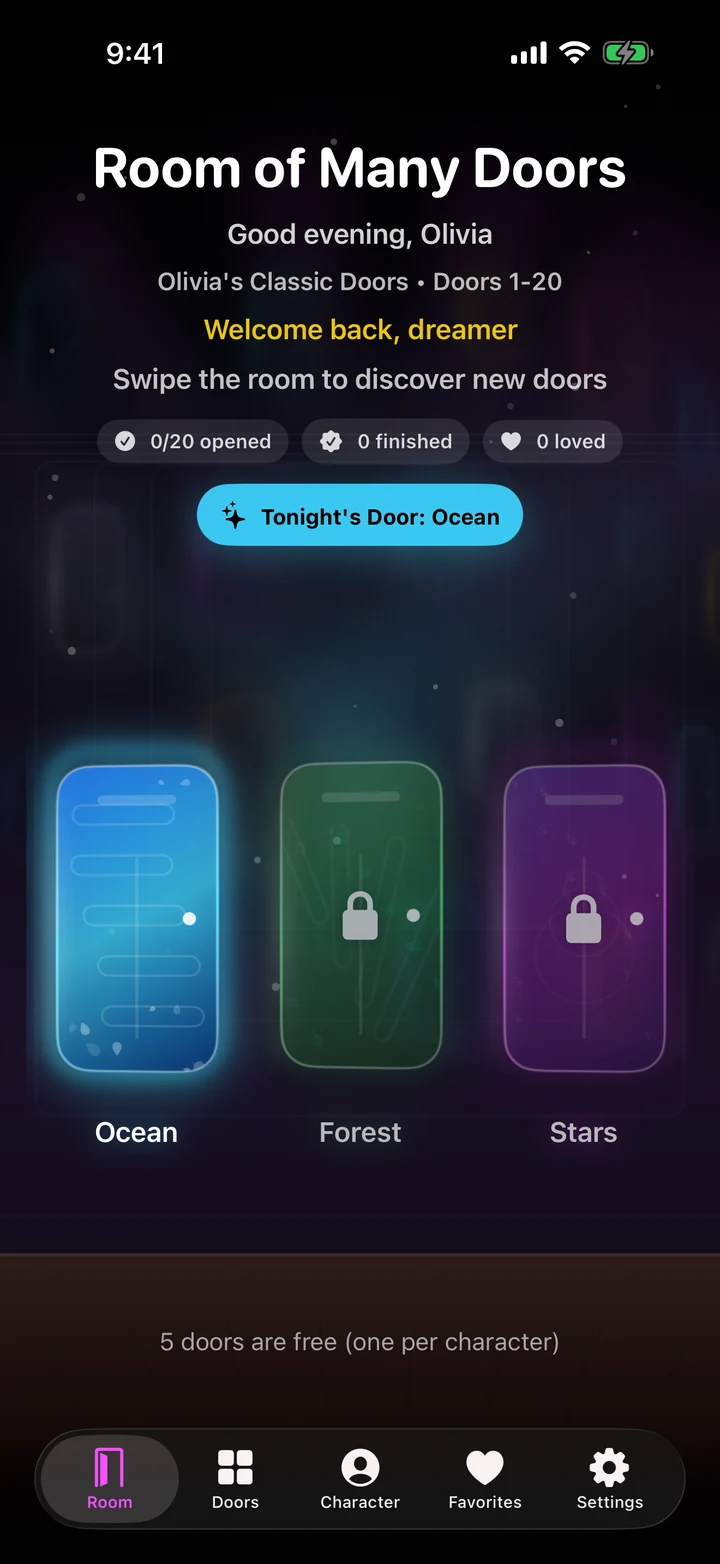
Room of Many Doors is available now through the official store links on its Goodale Studios product page. Store availability, compatibility, and purchase terms shown by Apple or Google control the download.
The production app does not include analytics, advertising identifiers, typed child content, location, or contacts. A parent or guardian should handle purchases, support, and sharing.
The Room of Many Doors core journey
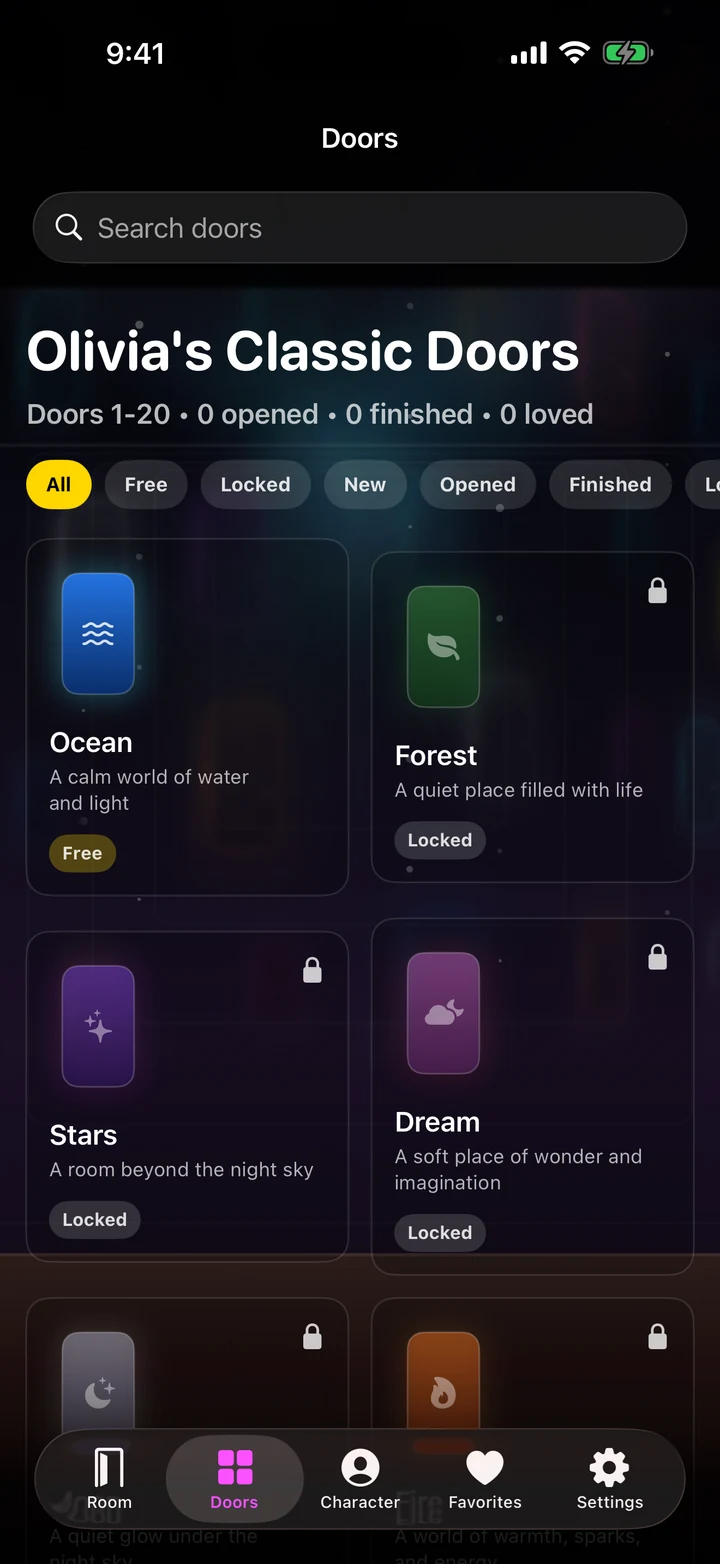
Use this sequence to understand the main flow. Individual screens and labels may evolve with updates, but the product goal remains consistent: a magical story world for children.
- Choose a door together: Let the child notice colors, symbols, or mood and explain what they imagine might be behind the door before opening it.
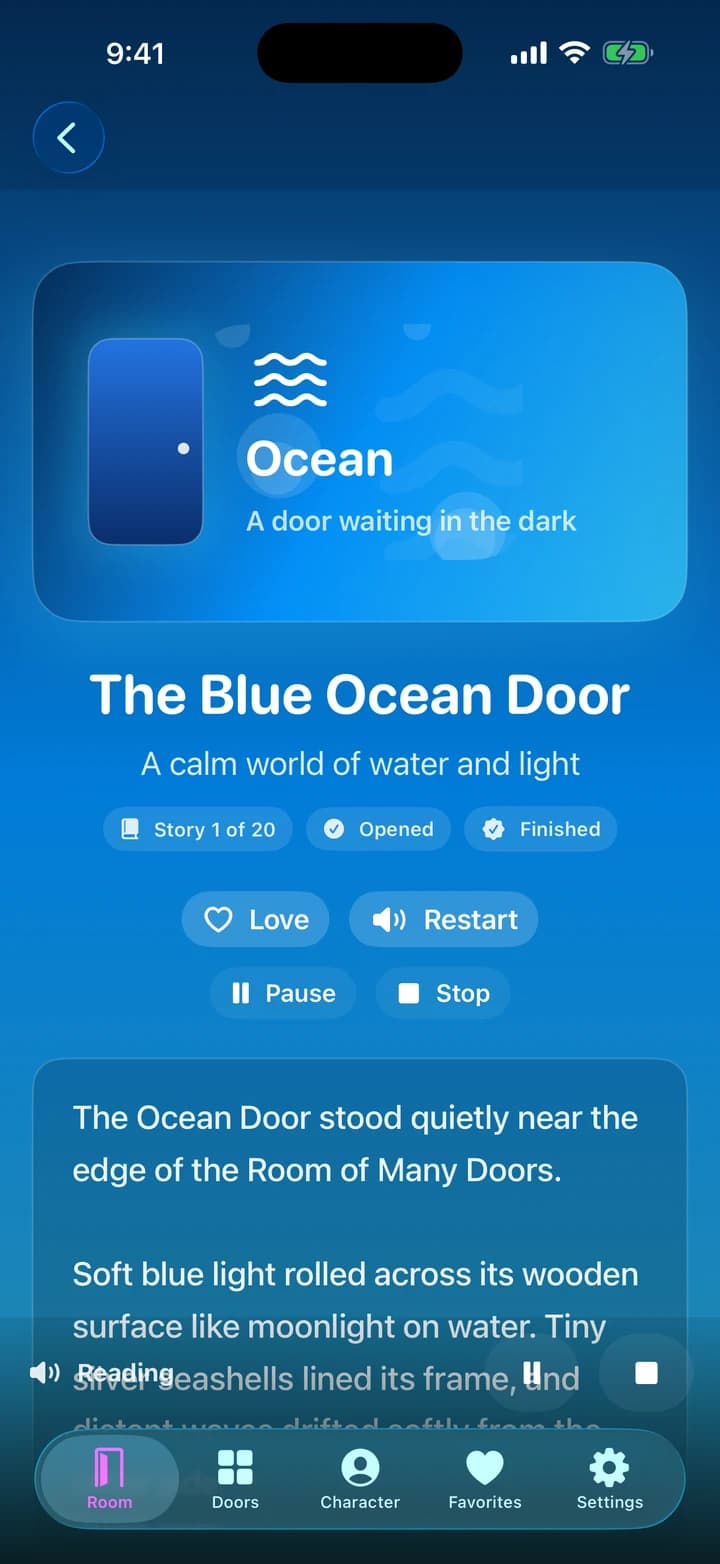
- Read or listen: Use narration for a calm read-aloud experience or share the text together, pausing when the child wants to notice a character or detail.
- Follow the story at the child's pace: There is no need to rush toward completion. Revisit a page, pause the session, or continue later from the saved reading state.
- Retell one moment: Ask what happened first, what a character wanted, what changed, or which detail the child remembers most.
- Save a favorite world: Return to a loved door and notice whether the child predicts more, uses new vocabulary, or tells the story differently.
How to know the session worked
The best result is a child who wants to talk about the world, predict what comes next, revisit a favorite, or invent a new door after the screen is put away.
These guides explain the published Room of Many Doors product experience. Confirm current availability, compatibility, privacy, purchases, and support details on the official product and store pages.