
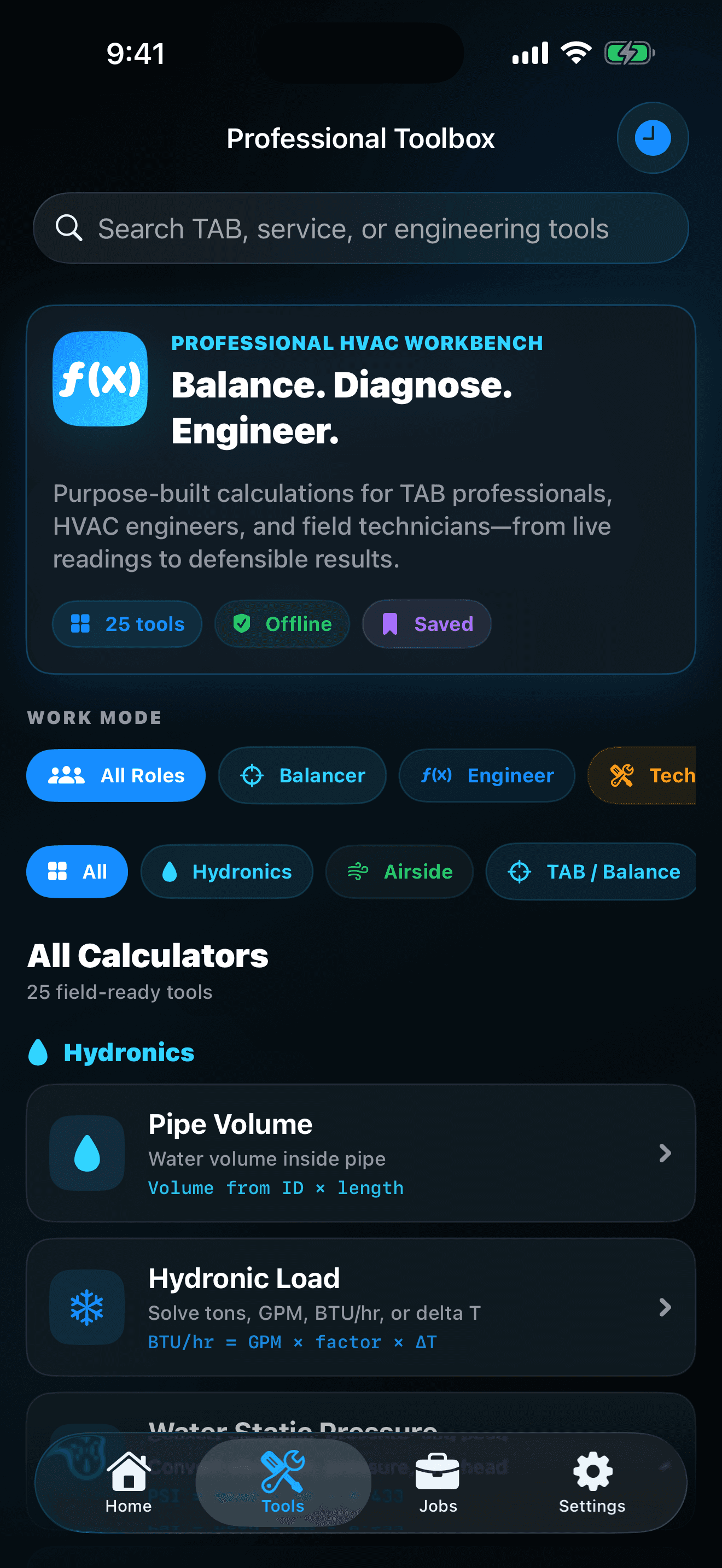
Match the formula to the field condition
Confirm that the calculator's relationship, units, fluid or air assumptions, instrument method, and required precision apply to the system being measured.
Make the job active before saving
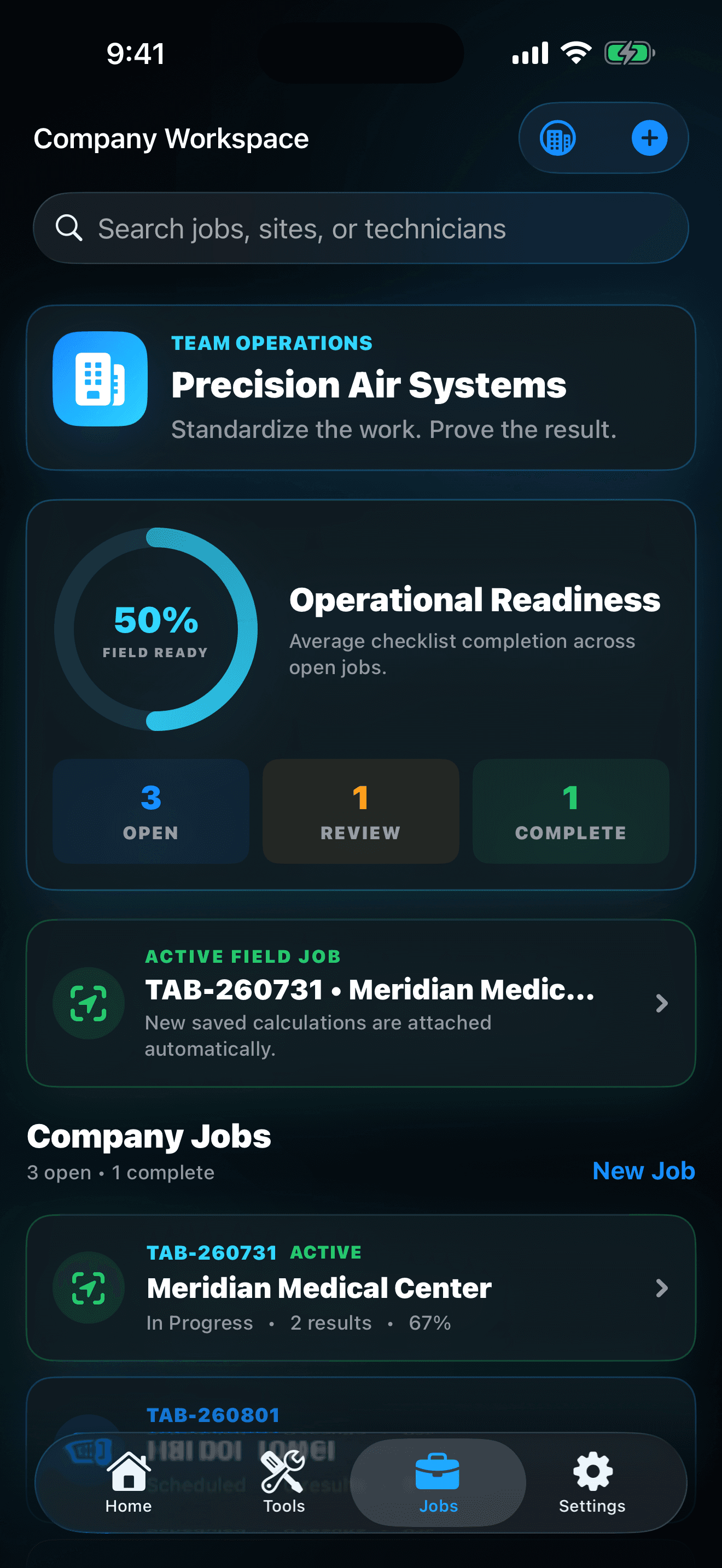
A result without the correct customer, site, system, and scope becomes difficult to defend later. Check the active-job banner before recording professional evidence.
Treat the KPI as a review prompt
Field-readiness visibility can reveal missing checks or unfinished records, but it does not certify safety, compliance, commissioning, or customer acceptance.
Read the report like the recipient
Before sharing, verify names, equipment context, inputs, units, results, checklist state, notes, exclusions, and the destination that will receive the file.
Common mistakes to avoid
These shortcuts weaken the HVAC Toolbox Pro experience or create expectations the product is not designed to meet.
- Entering a nameplate value when the workflow requires a measured value
- Mixing pressure, temperature, power, or flow units without checking the selected unit
- Using one calculator result as a substitute for manufacturer data, code, or qualified judgment
- Sharing a report before removing unrelated confidential customer or project information
Build the next session from evidence
The workflow succeeds when the calculation is technically appropriate, the inputs and units can be reviewed, the result is attached to the correct job, open quality work is visible, and the final handoff explains what was measured without overstating what the app proves.
After each session, choose one thing to preserve and one thing to adjust. That small review keeps HVAC Toolbox Pro focused on its real purpose rather than turning the app into another collection of screens.