
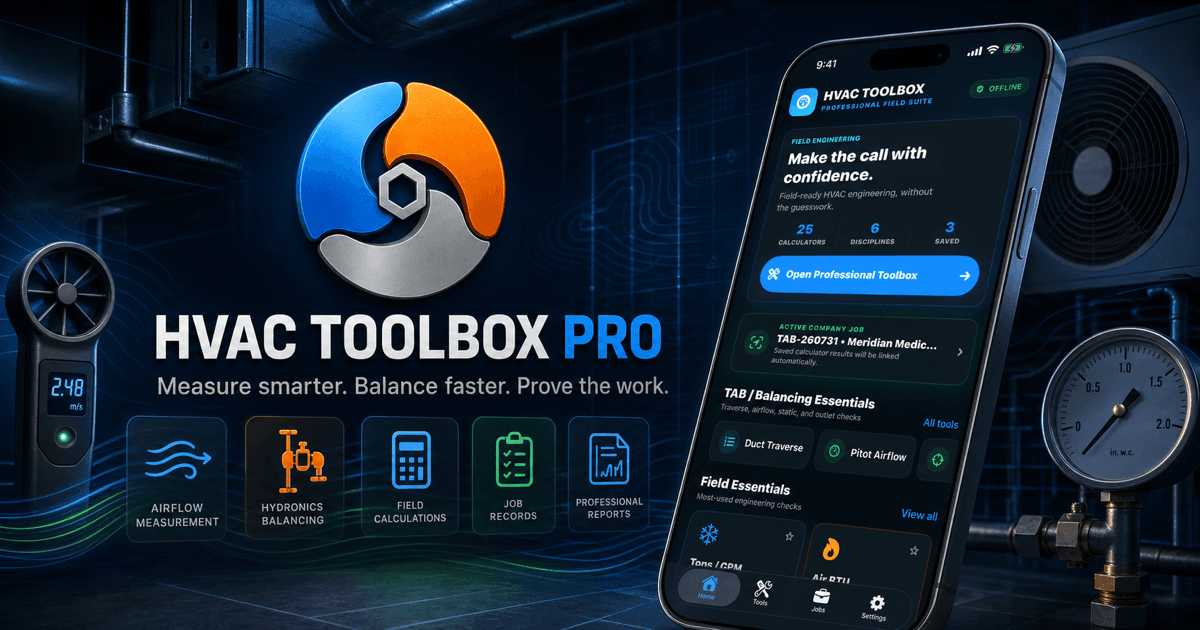
The problem behind HVAC Toolbox Pro
A field number becomes valuable only when someone can explain where it came from, which system it describes, what assumptions were used, and what happened next. HVAC Toolbox Pro is designed around that complete evidence trail instead of treating the calculator result as the end of the job.
HVAC Toolbox Pro connects 25 field calculations with the active customer, site, system, technician, checklist, readiness state, saved evidence, and professional report.
HVAC Toolbox Pro is designed for HVAC technicians, TAB balancers, engineers, commissioning professionals, and small field-service companies that need the calculation and its job context to stay together. The goal is not to add another screen to the day; it is to make the complete decision or experience easier to understand from beginning to end.
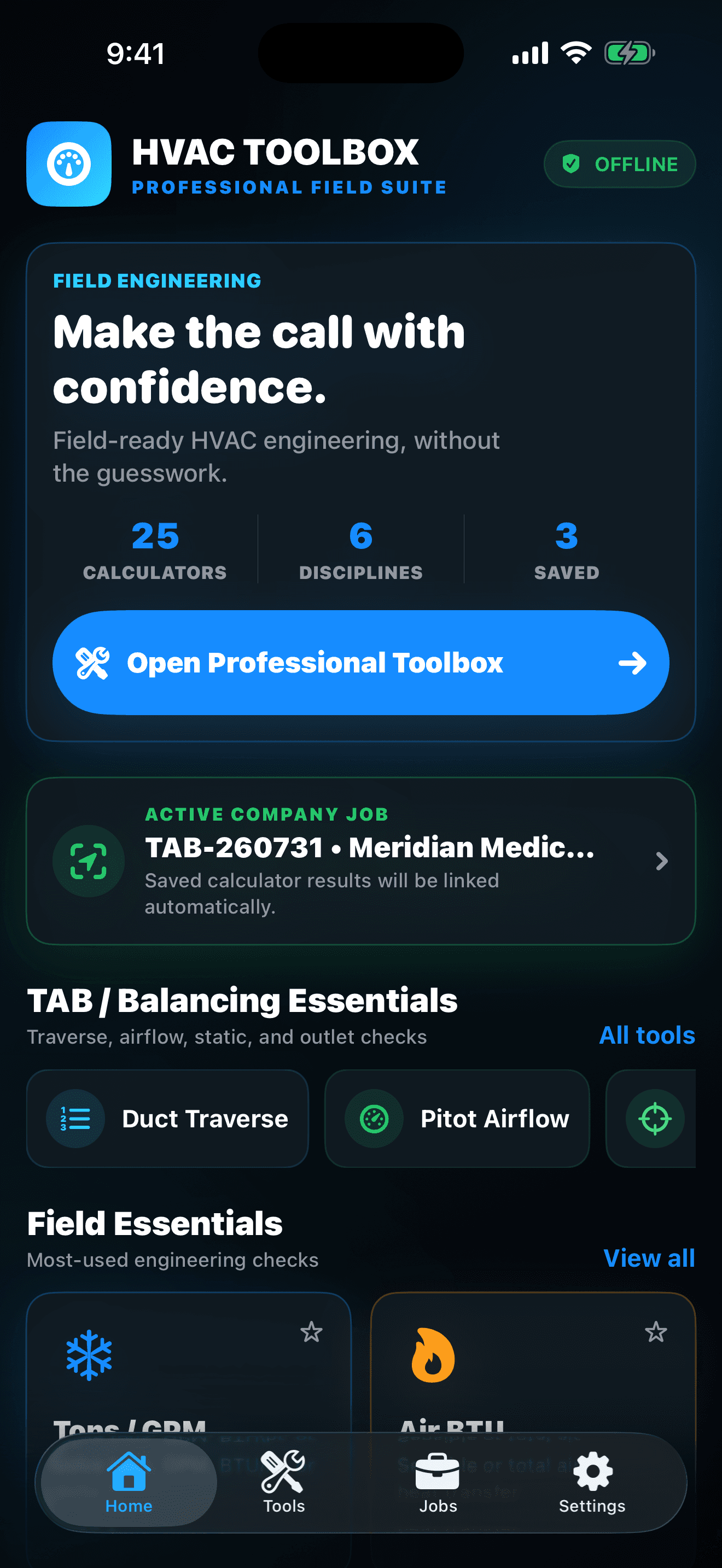
One connected experience beats a pile of separate tools
HVAC Toolbox Pro is built for the moment a reading has to become a decision, a job record, and defensible professional evidence. Run the calculation, save it to the active customer and system, complete the quality checks, and export the handoff.
Core calculators, jobs, notes, history, and reports work offline. No account, advertising, or third-party tracking SDK is required.
- Balance air with context: Average duct traverses, calculate pitot airflow, compare outlets with design, profile total external static pressure, check ACH, use K-factors, and preserve the readings with the job.
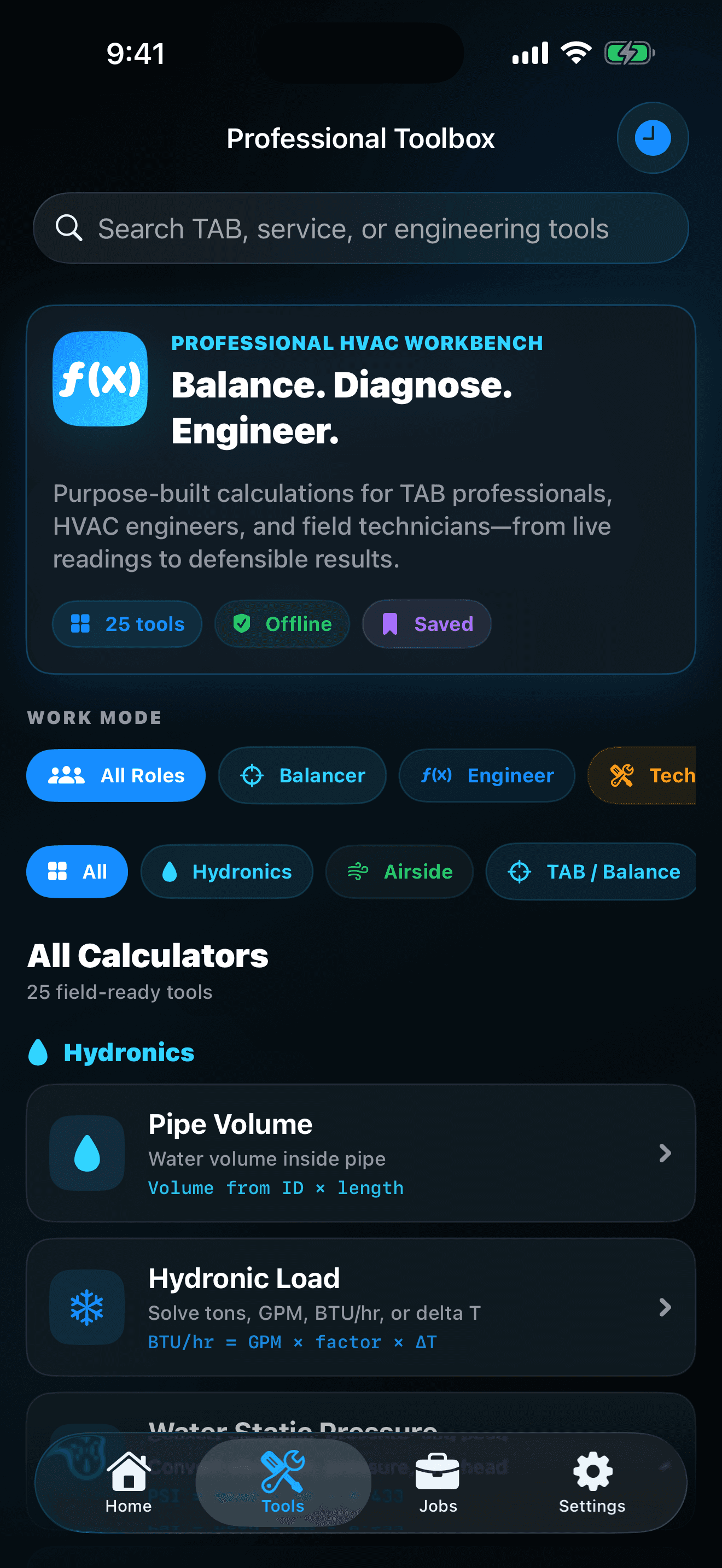
- Solve hydronics in either direction: Work from tons, GPM, BTU/hr, or delta-T, then handle water head, static pressure, pump TDH, pipe velocity, pipe volume, valve Cv, and hydraulic power from the same focused tool library.
- Cover the service essentials: Use airside loads, airflow and duct area, fan laws, belt-drive speed, electrical power, superheat and subcooling math, capacitor tolerance, efficiency, gas input, and engineering unit conversions.
- Keep every result with the job: Choose an active company job before calculating. Saved results automatically retain the customer, site, system, technician, scope, and field context that make the number useful later.
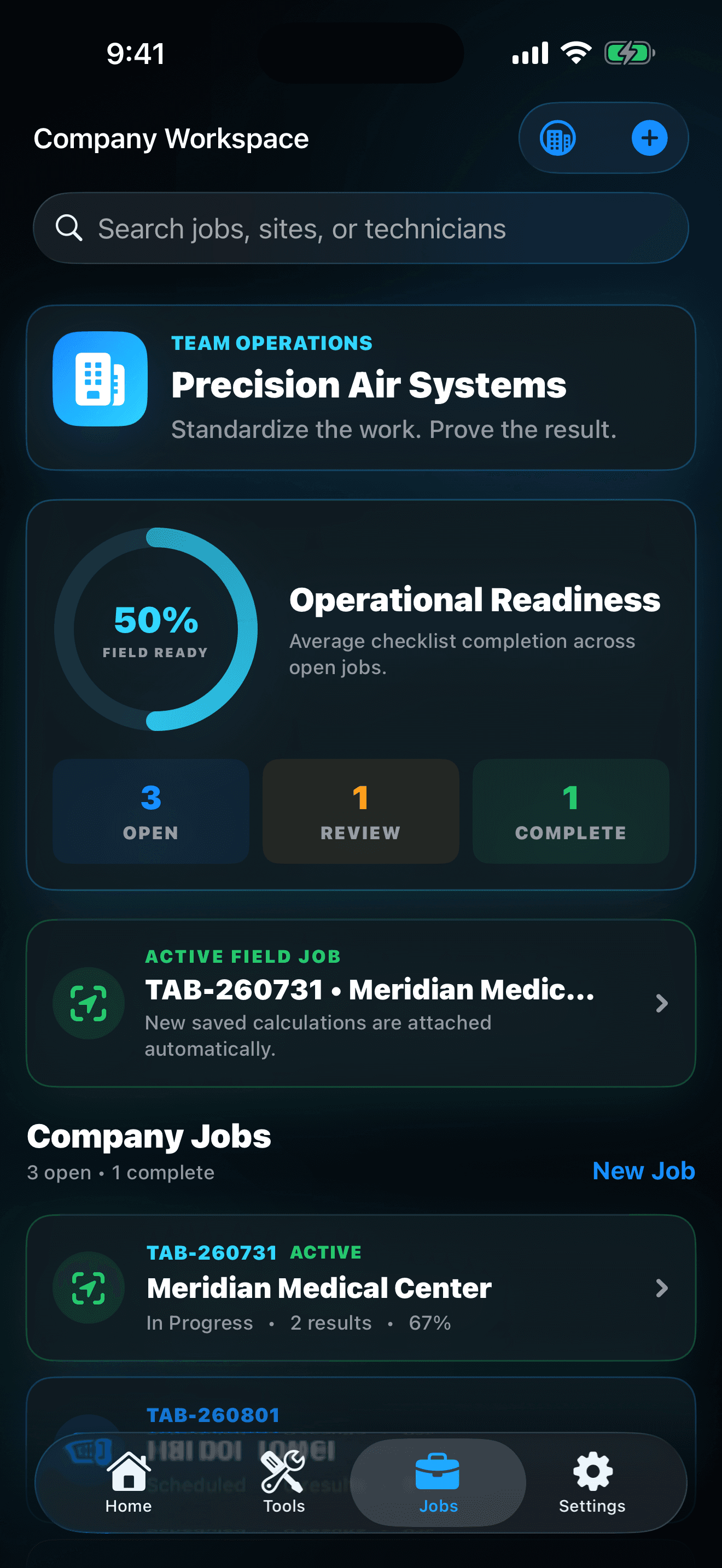
- See what is ready—and what is not: Job status, standardized quality checks, and a field-readiness KPI make open work understandable without replacing the technician's judgment or the project requirements.
The details that earn a place in the routine
Match the formula to the field condition: Confirm that the calculator's relationship, units, fluid or air assumptions, instrument method, and required precision apply to the system being measured.
Make the job active before saving: A result without the correct customer, site, system, and scope becomes difficult to defend later. Check the active-job banner before recording professional evidence.
Treat the KPI as a review prompt: Field-readiness visibility can reveal missing checks or unfinished records, but it does not certify safety, compliance, commissioning, or customer acceptance.
Useful promises need honest boundaries
HVAC Toolbox Pro is coming soon. This guide explains the current published product direction so readers can understand the planned experience without implying that a public store release is already available.
HVAC Toolbox Pro is waiting for App Review and is not yet presented as a public App Store download. Core records stay locally on the iPhone, no Goodale Studios account is required, and reports leave the app only when the user chooses a destination through Apple's share sheet.
The result that matters
The workflow succeeds when the calculation is technically appropriate, the inputs and units can be reviewed, the result is attached to the correct job, open quality work is visible, and the final handoff explains what was measured without overstating what the app proves.
That is the standard behind HVAC Toolbox Pro: a focused app should leave the next decision clearer, the completed work or play session more satisfying, and the value easier to explain than it was before the first tap.