Skip to content

Field engineering

Coming Soon

Getting Started With HVAC Toolbox Pro

A step-by-step introduction to the core HVAC Toolbox Pro journey, from the first decision to a useful completed session.

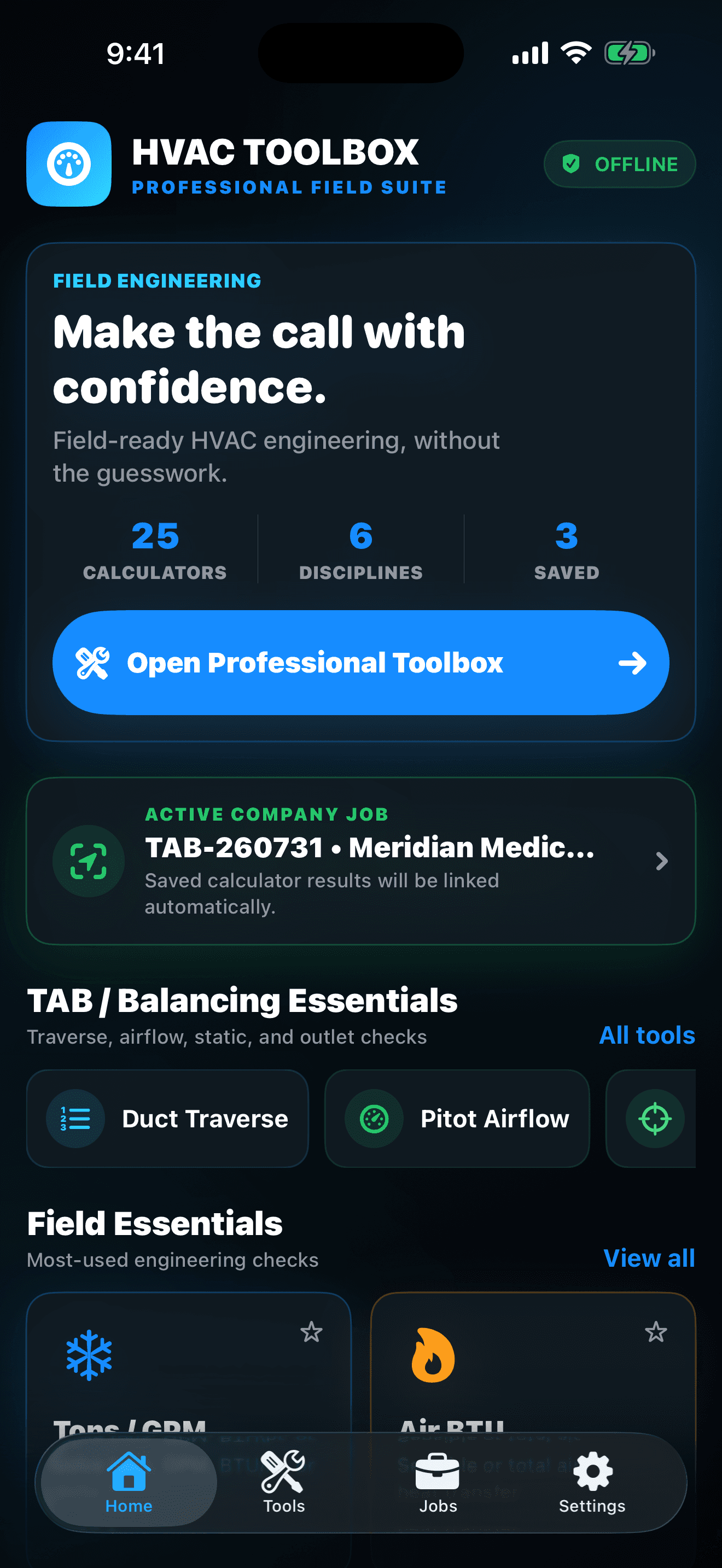
HVAC Toolbox Pro home dashboard with 25 field calculators and an active company job
Open the right field tool with the active job already in view

Your outcome

What this guide helps you do

The workflow succeeds when the calculation is technically appropriate, the inputs and units can be reviewed, the result is attached to the correct job, open quality work is visible, and the final handoff explains what was measured without overstating what the app proves.

Key takeaways

  • Choose the Technician, Balancer, or Engineer role focus, add company report details, and identify the tools used most often in the field.
  • Choose the field relationship that matches the task, confirm every unit and assumption, enter the measured values, and review the result in context.
  • The workflow succeeds when the calculation is technically appropriate, the inputs and units can be reviewed, the result is attached to the correct job, open quality work is visible, and the final handoff explains what was measured without overstating what the app proves.

Before you start

HVAC Toolbox Pro is coming soon. This guide explains the current published product direction so readers can understand the planned experience without implying that a public store release is already available.

HVAC Toolbox Pro is waiting for App Review and is not yet presented as a public App Store download. Core records stay locally on the iPhone, no Goodale Studios account is required, and reports leave the app only when the user chooses a destination through Apple's share sheet.
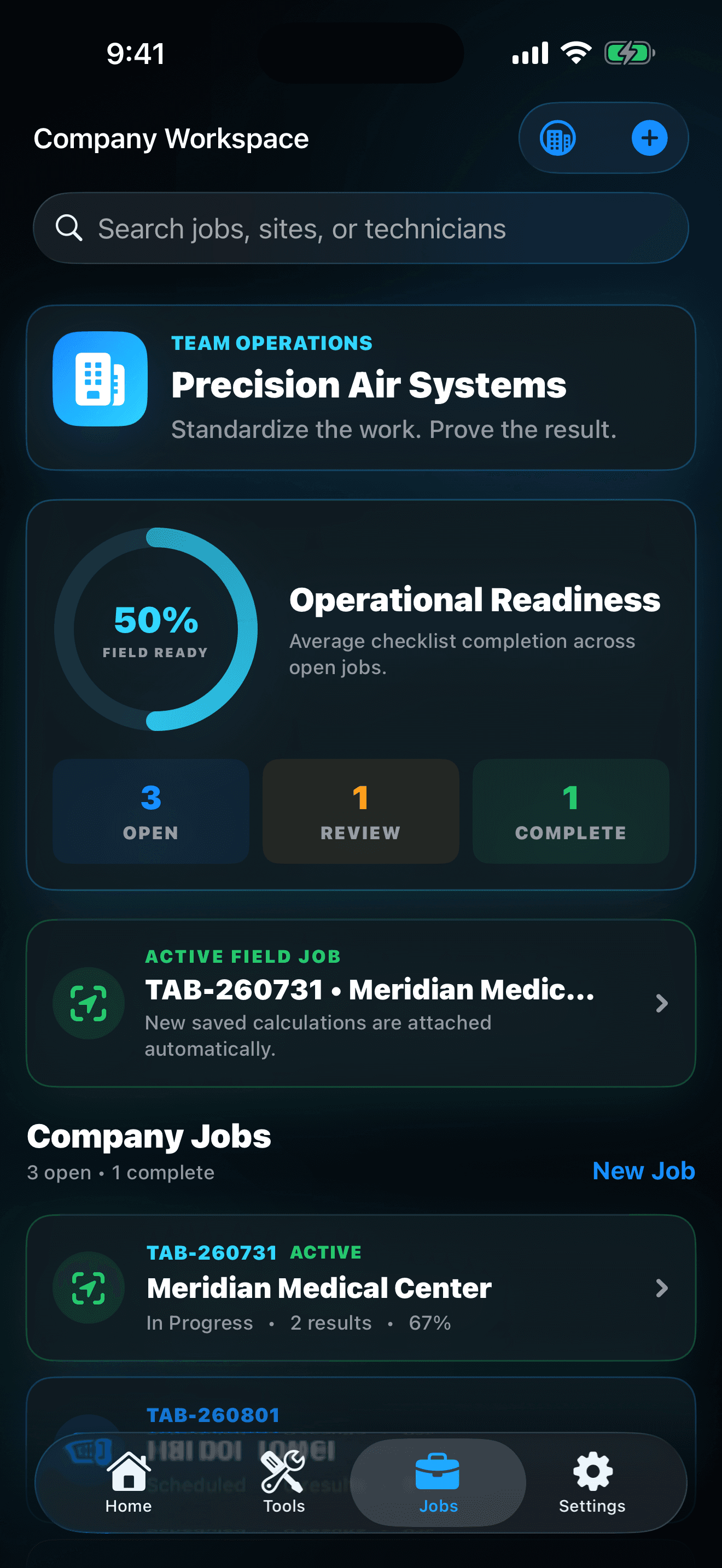
HVAC Toolbox Pro company workspace with jobs, status, and field-readiness information
Keep customer, system, checklist, and calculation evidence together

The HVAC Toolbox Pro core journey

Use this sequence to understand the main flow. Individual screens and labels may evolve with updates, but the product goal remains consistent: measure smarter. balance faster. prove the work.

  1. Set up the professional workspace: Choose the Technician, Balancer, or Engineer role focus, add company report details, and identify the tools used most often in the field.
  2. Create and activate the job: Record the customer, site, system, job number, assigned technician, scope, status, field notes, and relevant quality checks before measurements begin.
  3. Run the correct calculation: Choose the field relationship that matches the task, confirm every unit and assumption, enter the measured values, and review the result in context.
  4. Save the evidence: Attach the calculation to the active job so its inputs, output, customer, site, system, and work scope remain understandable after the technician leaves.
  5. Check readiness and report: Review open quality items and job status, then generate a PDF or CSV only after the readings, notes, branding, and recipient are ready for professional handoff.
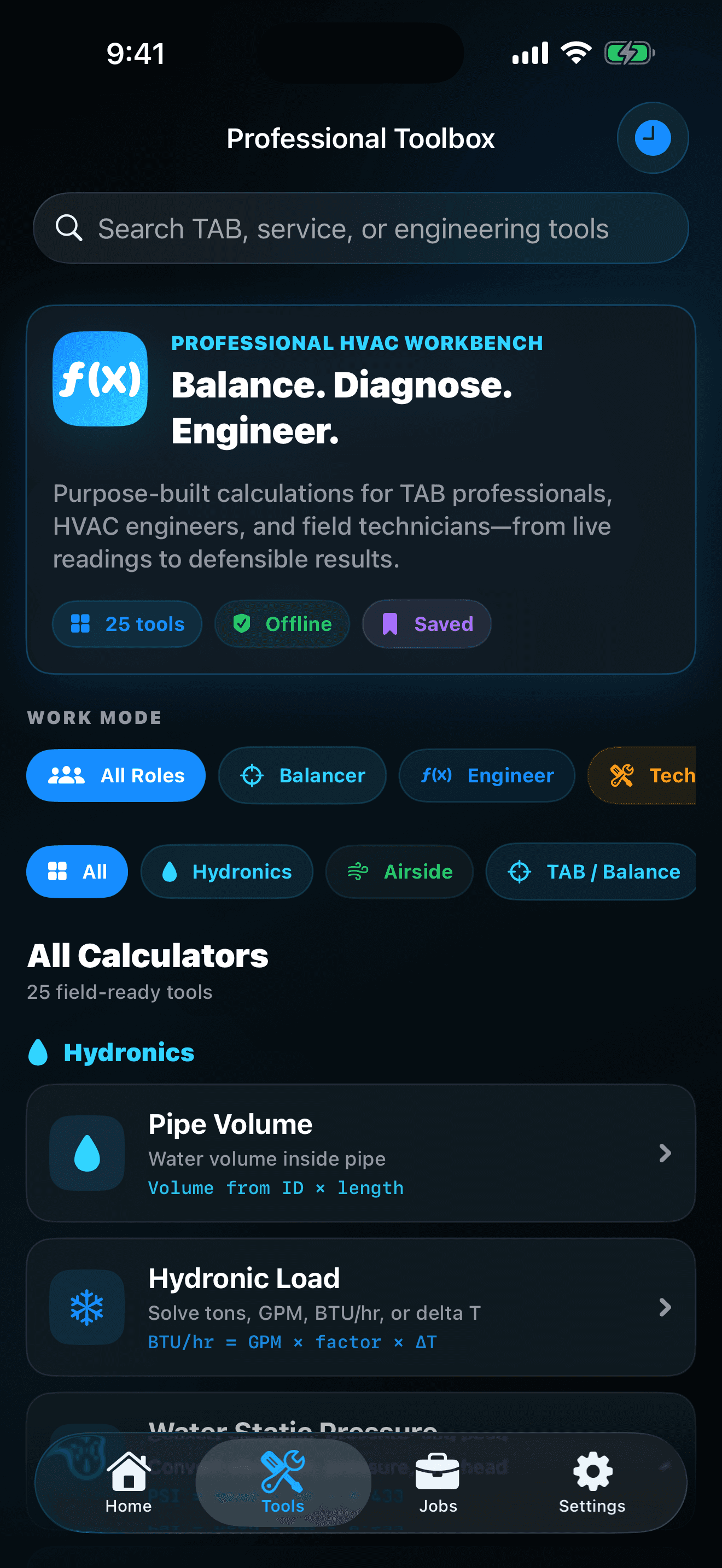
HVAC Toolbox Pro searchable catalog of TAB, hydronic, airside, electrical, and service tools
Work across six professional HVAC disciplines

How to know the session worked

The workflow succeeds when the calculation is technically appropriate, the inputs and units can be reviewed, the result is attached to the correct job, open quality work is visible, and the final handoff explains what was measured without overstating what the app proves.

These guides explain the published HVAC Toolbox Pro product experience. Confirm current availability, compatibility, privacy, purchases, and support details on the official product and store pages.

Coming Soon

See the latest HVAC Toolbox Pro preview

The dedicated product page has the current features, release status, privacy policy, support information, and official store links.

View the product page